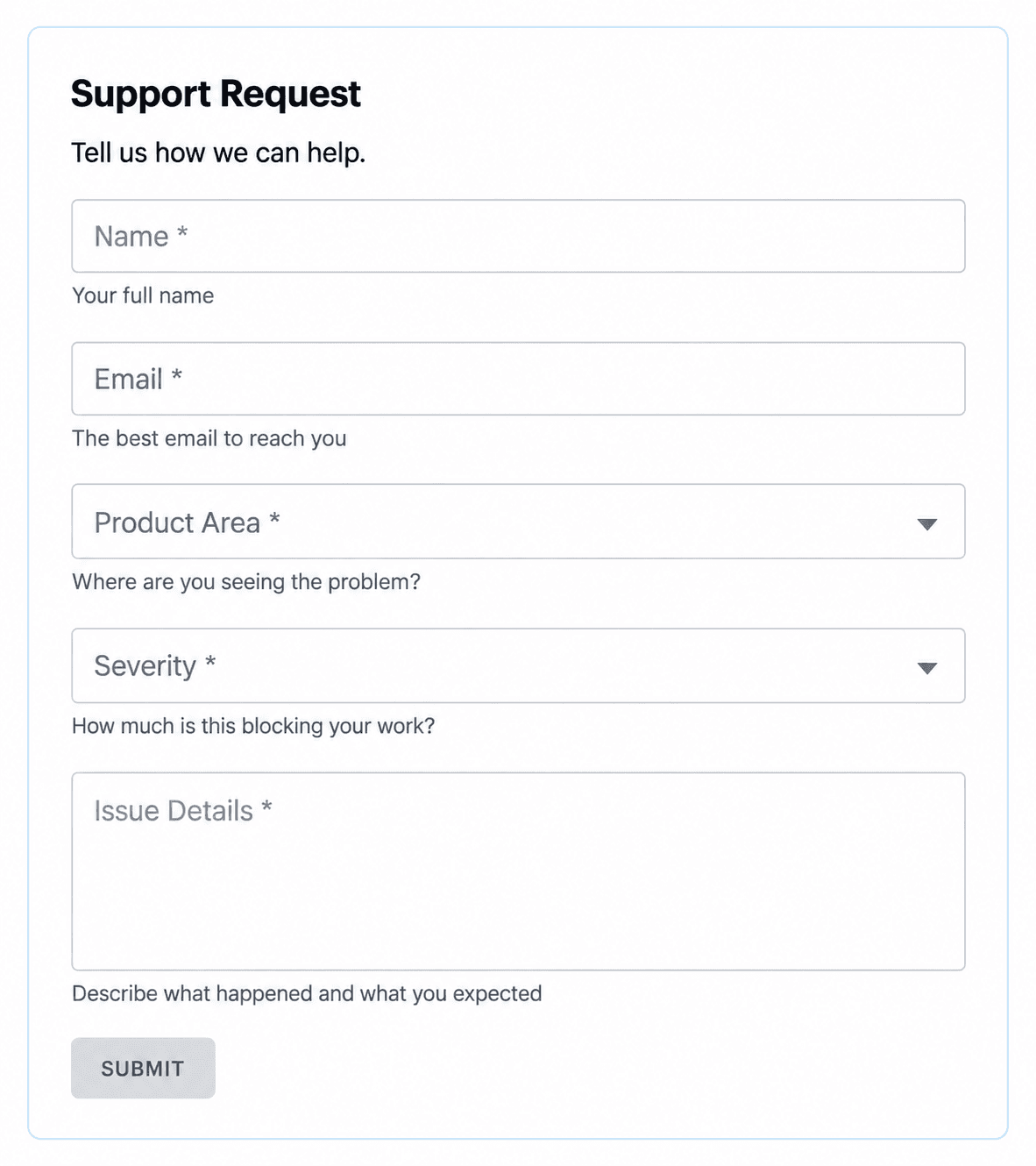
Support Request
Collect product area, severity and problem details so your team can triage support requests and follow up with the right person.

Technology · Templates
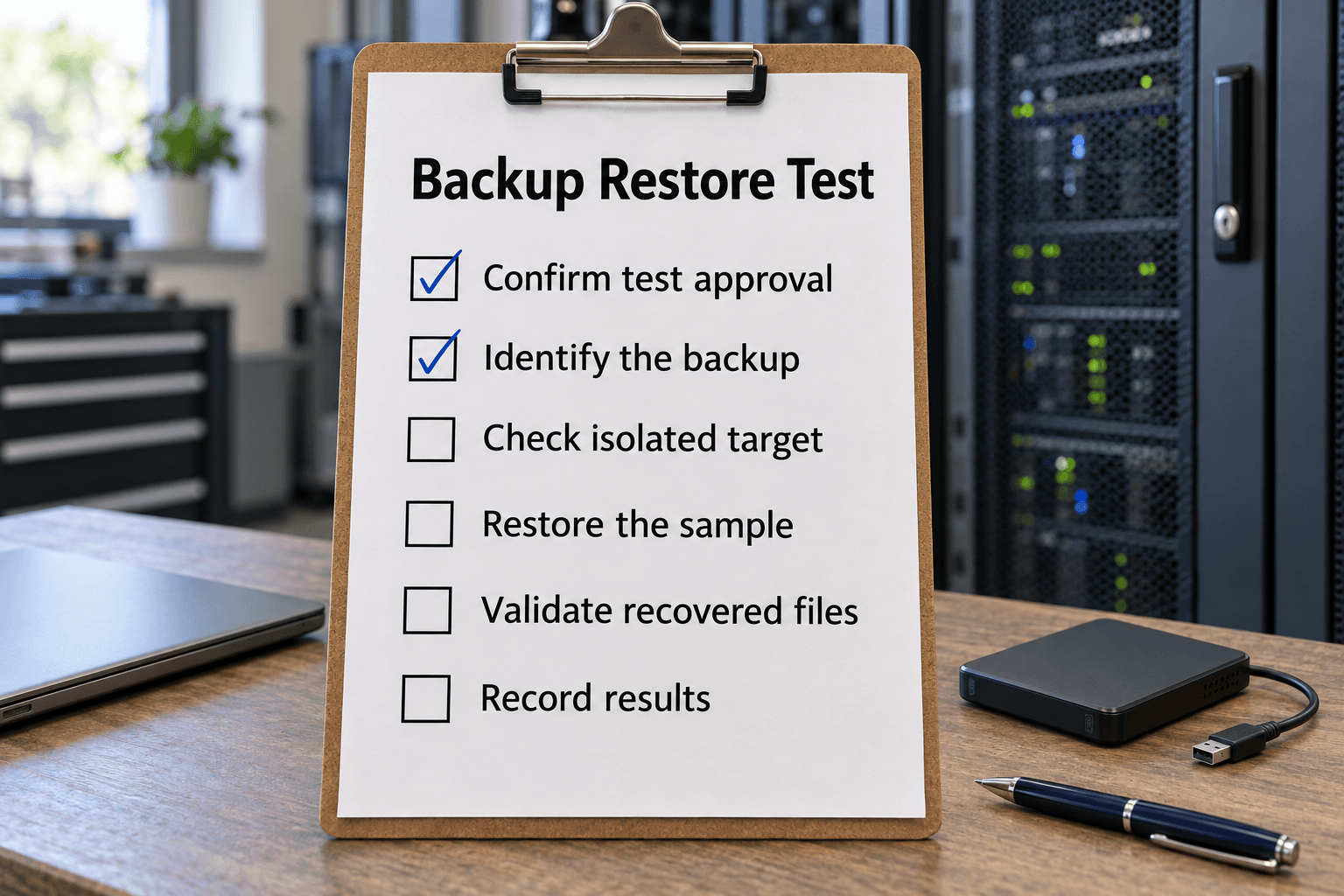
Featured checklist
Test whether a selected backup can restore an agreed sample, with an isolated destination, clear acceptance checks, and recorded evidence.
27 templates
Collect clear problem reports, test backup recovery, review account access and record checkout test results.
Collect product area, severity and problem details so your team can triage support requests and follow up with the right person.
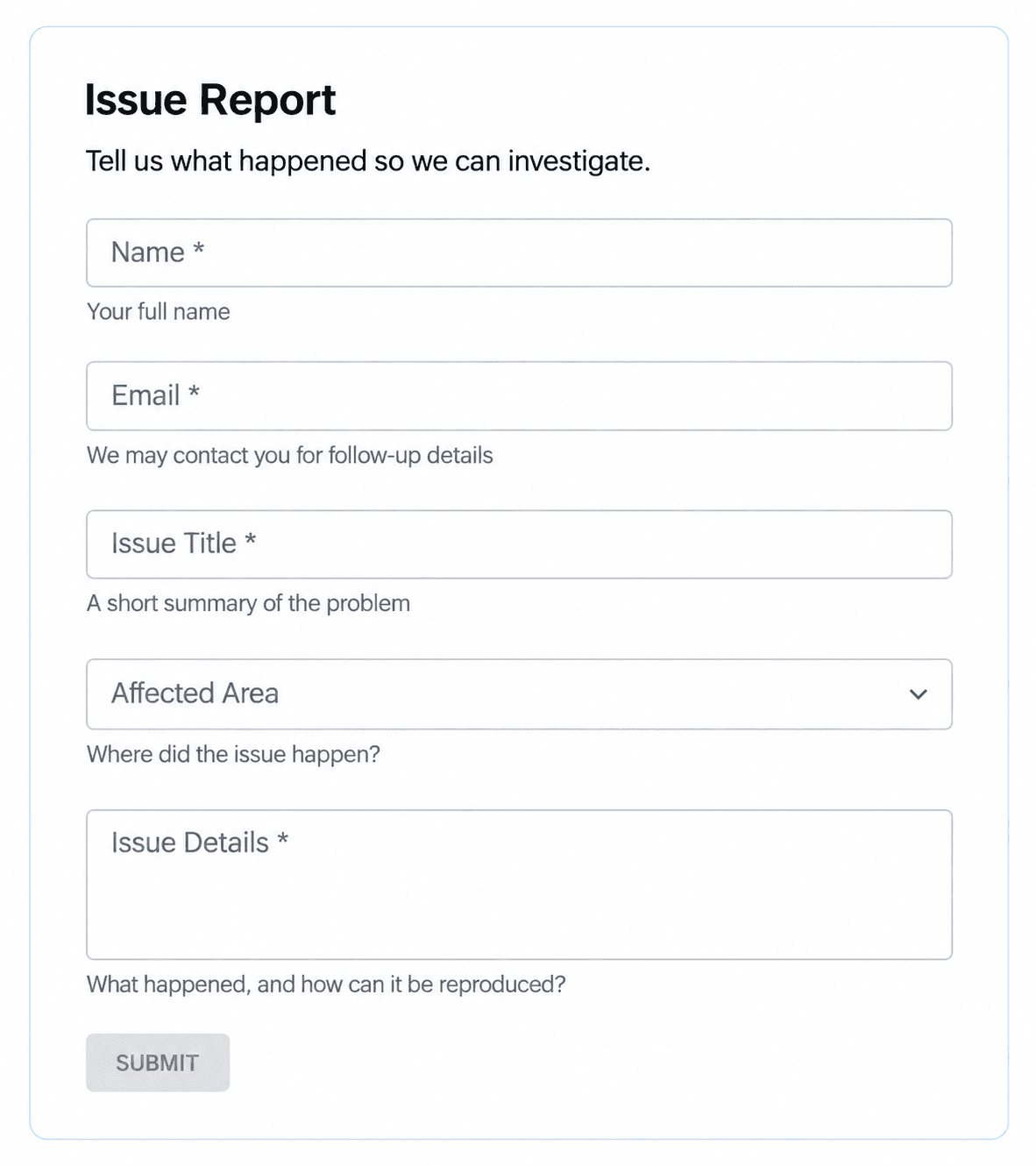
Capture the affected area, a clear issue title and steps to reproduce so your team has the details needed to investigate.
Test whether a selected backup can restore an agreed sample, with an isolated destination, clear acceptance checks, and recorded evidence.
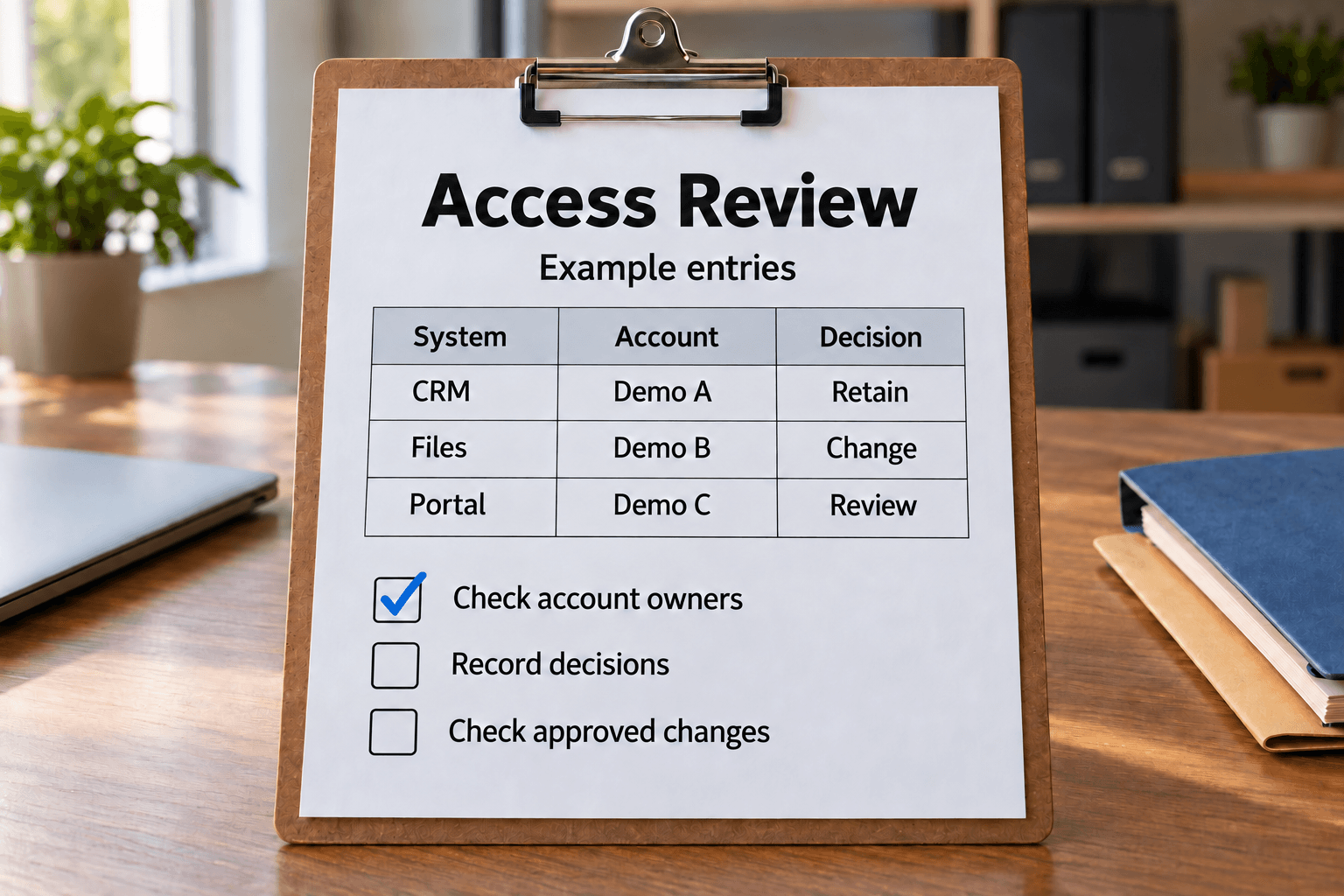
Review who can use each business system
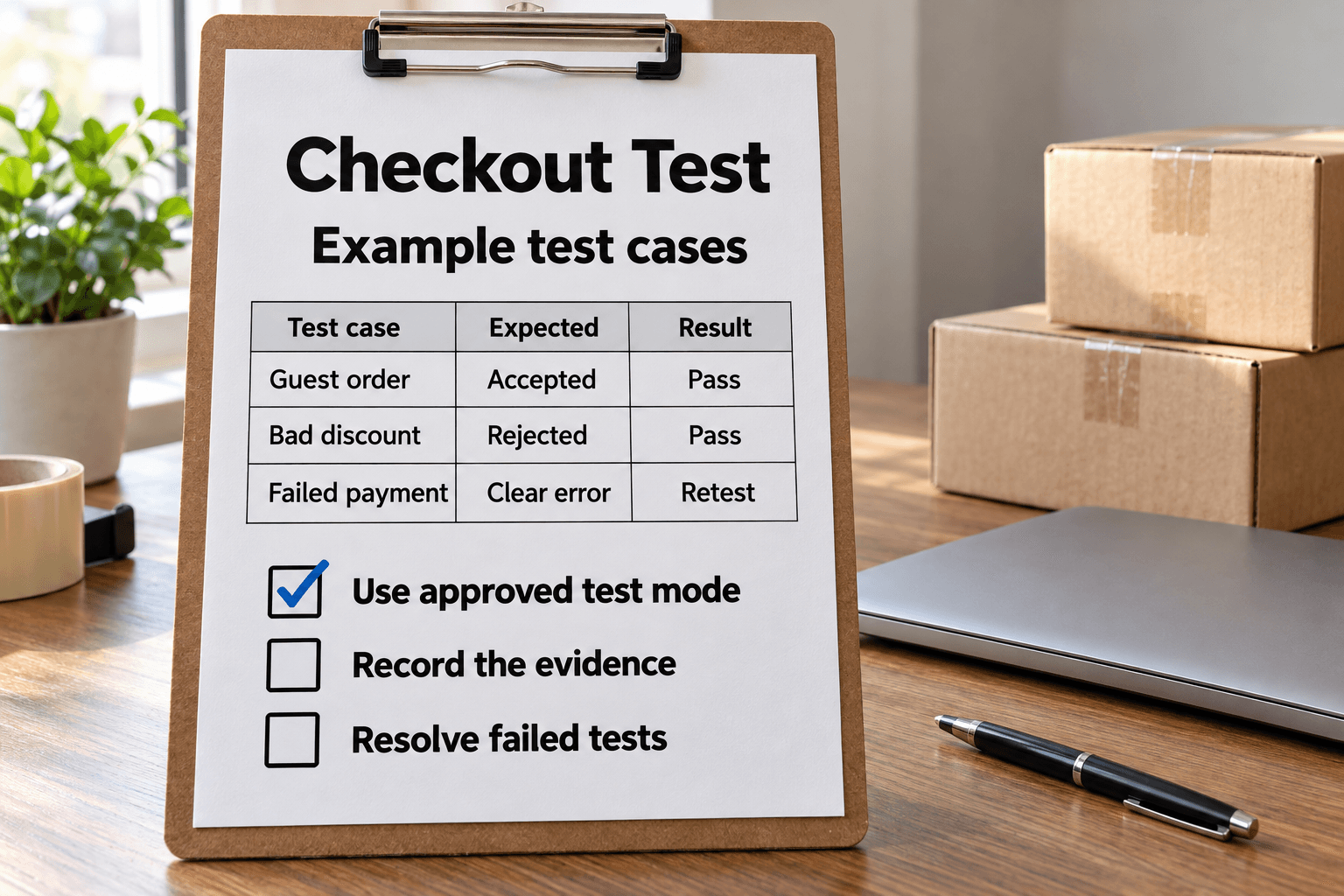
Test an ecommerce checkout in an approved test environment, verify order and notification effects, retest failures and prepare a clean release handoff.
Start with requirements, usability and support, then compare the features that matter for your particular business system.

Evaluate software effectively with this checklist. Ensure it meets your objectives, usability standards, and audience needs.

Define your website needs, content team and budget, then compare CMS hosting, access controls, training and support before shortlisting a system.

Compare help desk tools against your support volume, ticket workflow, reporting, migration needs and budget.

Evaluate software options effectively with this checklist. Ensure your team selects the best project management tool for success.

Simplify your software selection process with this thorough checklist. Identify needs & find the best bookkeeping solution for your business.
Bring stakeholders, project ownership, workflow changes and implementation milestones into the same plan.

Ensure a successful CMS rollout with this detailed checklist. Streamline your implementation process and enhance team collaboration effectively.

Plan a CRM rollout around stakeholder needs, measurable objectives, customer workflows, ongoing costs and performance measures.
Check website information and usability, and protect useful pages and links when planning a redesign.

Review a website's authorship, purpose, accuracy, readability, navigation and design to judge whether its information is useful.

Plan a website redesign around existing traffic, valuable URLs, redirects, link checks and post-launch monitoring.

Enhance your website's usability with this thorough checklist. Ensure a seamless user experience and boost engagement effortlessly.
Check camera readiness and shooting settings, then back up the images and prepare your equipment for next time.
Keep a personal record of Bedrock achievements and biome visits, with separate trackers for unlocks and exploration.
Choose the Support Request form for incoming help requests or the Issue Report form for a clear problem title, affected area and reproduction details. Checklist Pro intake forms turn submissions into tasks for your team to review and follow up.
For planned checks, use the Backup Restore Test to define an authorized sample recovery, verify an isolated destination and record whether the recovered content is usable. The Business-System Access Review keeps one system/account per row, with its owner, current role, business need, authorized decision and remediation evidence. Keep unresolved exceptions visible and verify approved changes in the actual system.
The Online Checkout Test records one scenario and device/browser combination per row. Use an approved test environment, compare expected and actual results, check order and notification effects, and preserve failure and retest evidence for the release decision. These workflows support the responsible team's decisions; completing a record does not itself authorize a system change or release.
Use the general Software Evaluation Checklist for objectives, the intended users, usability and support. Its audience prompts are especially relevant to learning software. For a business purchase, choose the specialist CMS, help desk, project management or bookkeeping checklist to examine the features and costs that matter to that system.
Agree your essential requirements before vendor demonstrations. Use the same criteria for each option and record what a trial actually shows, including gaps that need further investigation. The CMS Implementation Checklist then helps organize the team, project plan, schedule and publishing policy. The CRM Checklist focuses on stakeholders, customer-facing workflows, ongoing costs and performance measures.
Website Evaluation examines authorship, purpose, information quality and design. Website Usability provides a starting list for navigation, readable content and visitor-facing details. Tailor older platform and screen-size references to the devices and browsers your audience actually uses.
For a redesign, record valuable existing pages and traffic before changing the site. Use the Website Redesign Checklist to plan URL handling, link checks and post-launch monitoring. Keep relevant existing URLs where possible and have the technical owner verify the redirect plan.
The Digital Photography Checklist covers camera readiness, shooting settings and after-shoot backups. Adapt the settings and cleaning steps to your equipment's instructions, and verify your image backups before reusing memory cards.
The Minecraft trackers serve a different purpose: recording achievements you have earned and biomes you have visited in Bedrock. Keep them as personal progress lists, with a consistent rule if you compare progress with friends.