Marketing Checklist
Boost your marketing efforts with this comprehensive checklist. Analyze, strategize, and execute effectively to drive growth and engagement.

Marketing · Templates
Featured checklist
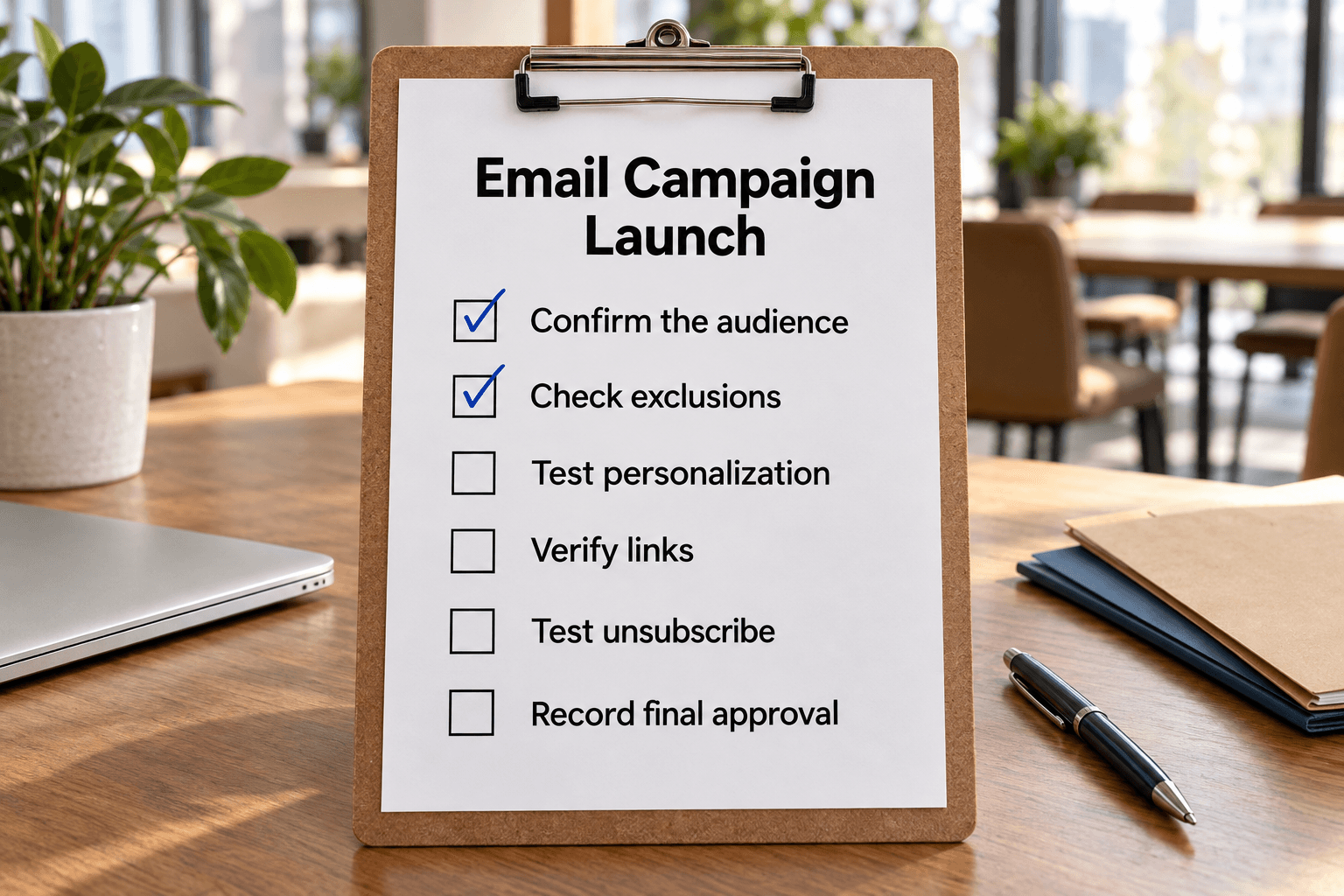
Verify recipients, personalization, links and test emails, record final approval, then track the send and post-launch checks.
56 templates
Set a campaign brief, plan promotion or coordinate a launch across teams.
Boost your marketing efforts with this comprehensive checklist. Analyze, strategize, and execute effectively to drive growth and engagement.

Define a campaign’s audience, offer, creative work and budget, then review the response before planning the next promotion.

Maximize your advertising efforts with this comprehensive checklist. Set clear goals, know your audience, and create compelling ads.
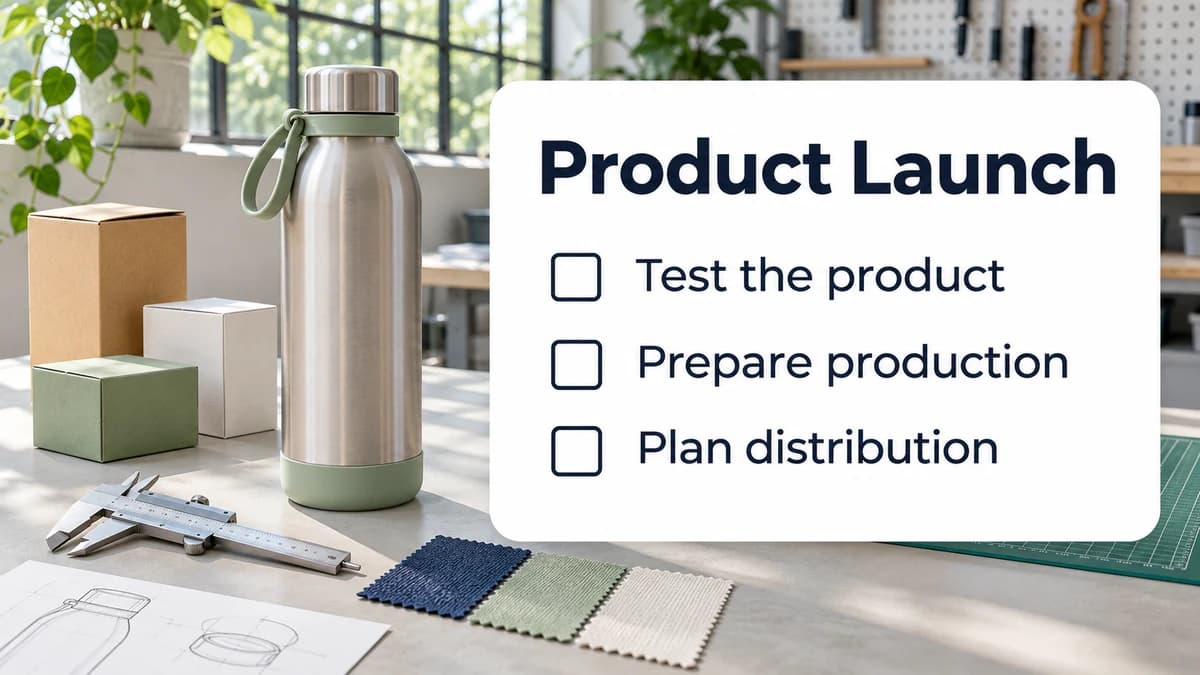
Coordinate product testing, production readiness, marketing, sales and support before a physical-product launch.
Test an email campaign or verify a store display against the approved offer.
Verify recipients, personalization, links and test emails, record final approval, then track the send and post-launch checks.
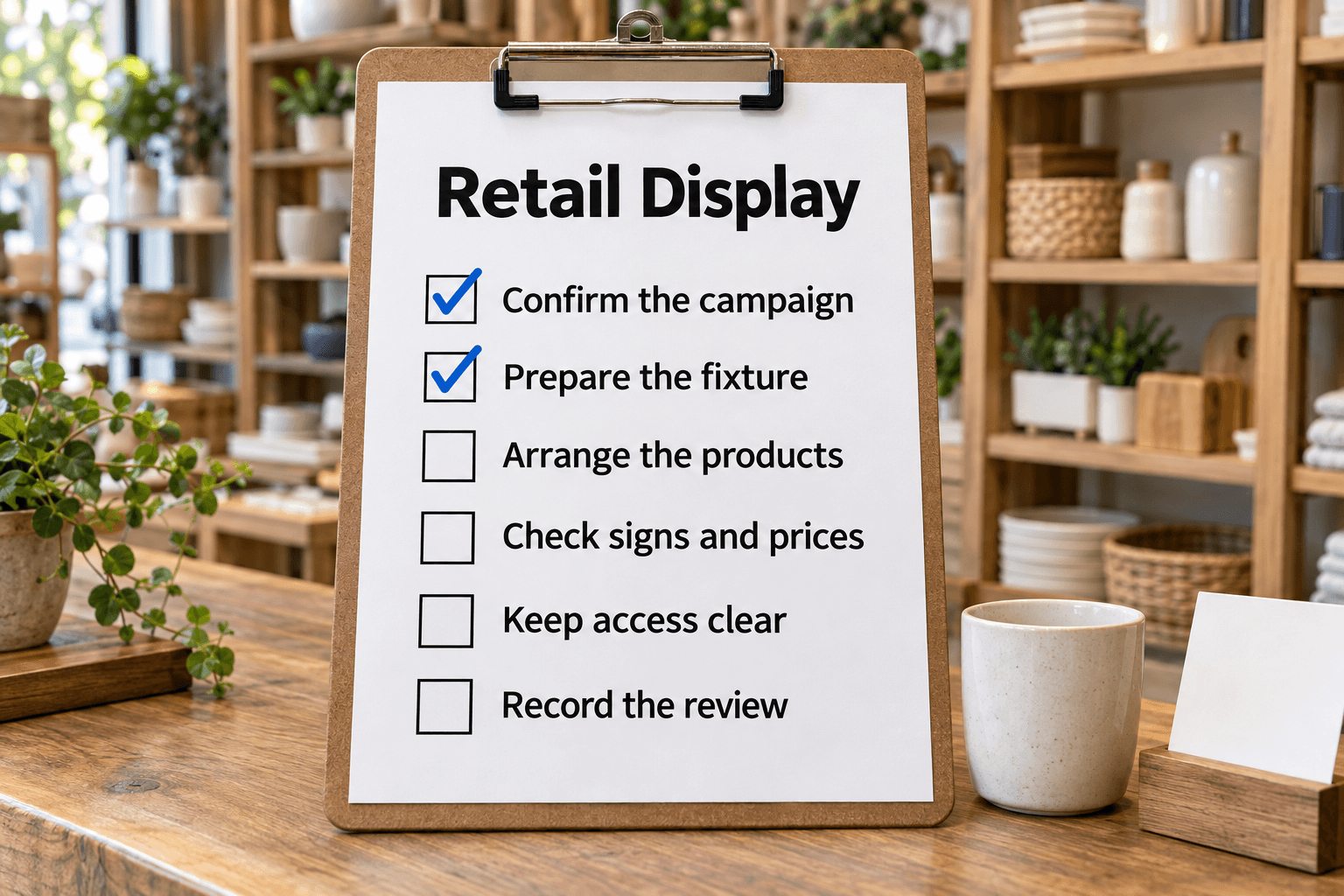
Change a retail promotional display and verify products, offer dates, signage and POS prices against the approved campaign before release.
Test a course enrollment journey, a checkout or the logistics of a trade show.
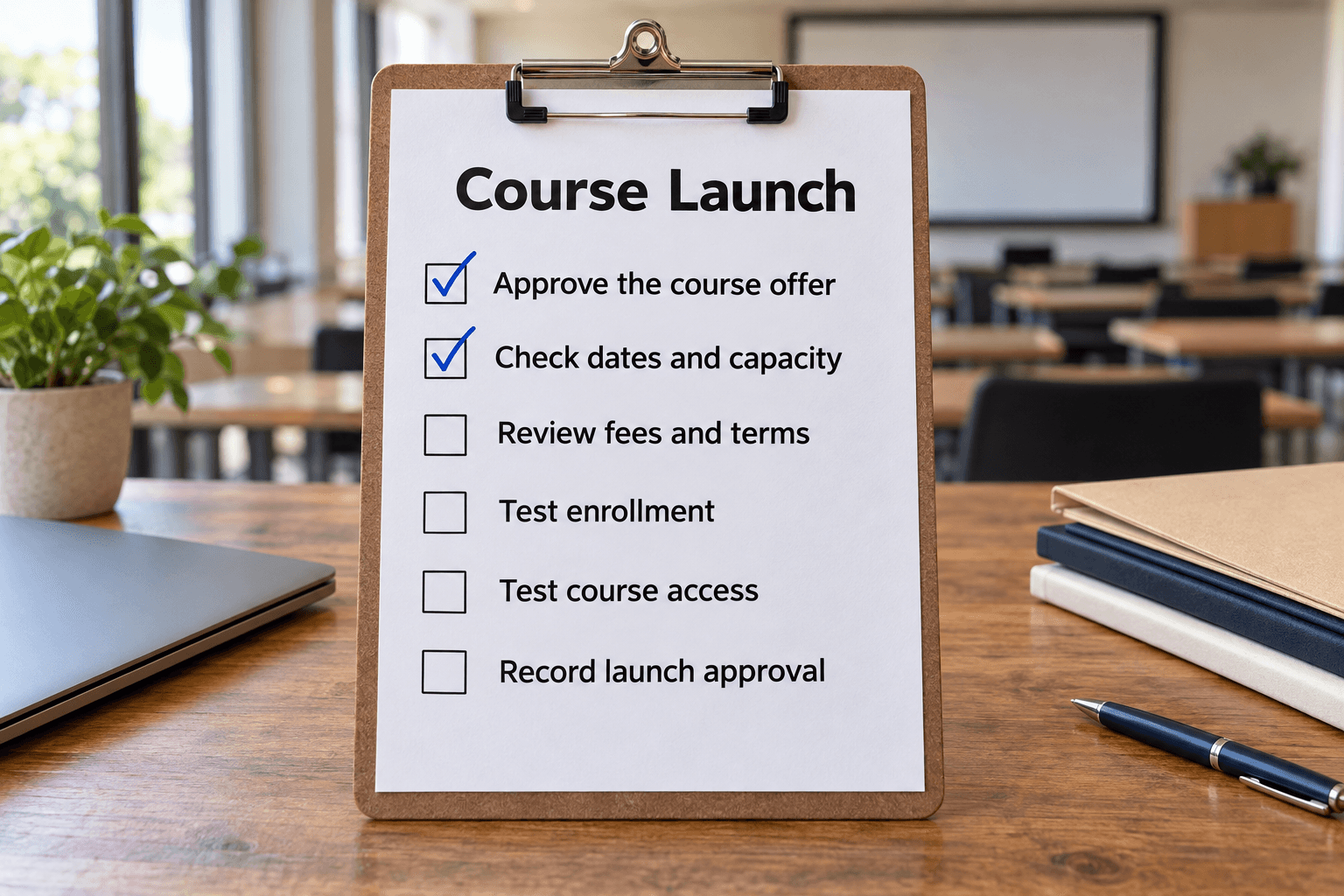
Verify the approved course offer and test registration, confirmation and first access before opening enrollment.
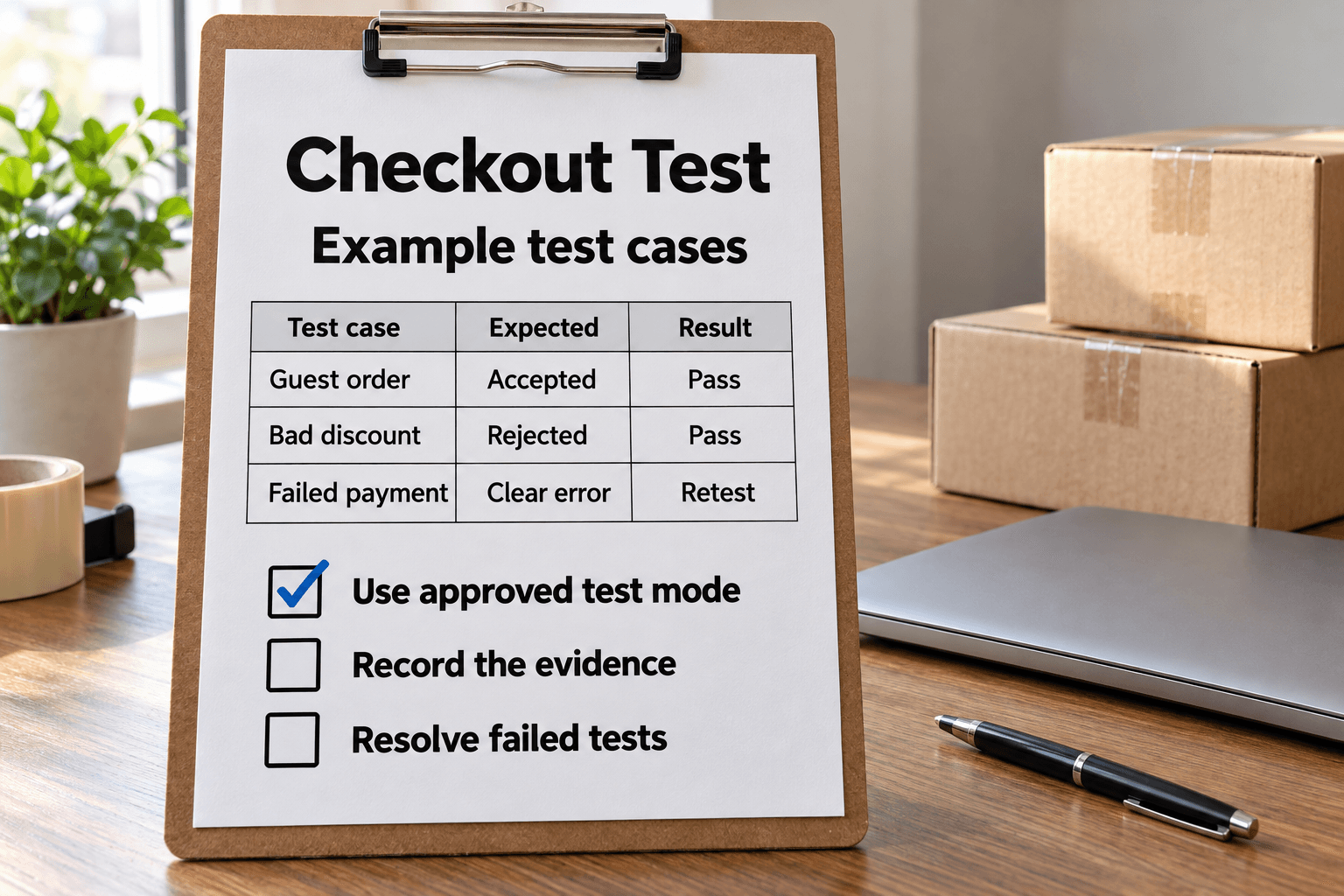
Test an ecommerce checkout in an approved test environment, verify order and notification effects, retest failures and prepare a clean release handoff.

Plan your trade-show exhibit, prepare the team and materials, and make the most of conversations at the show.
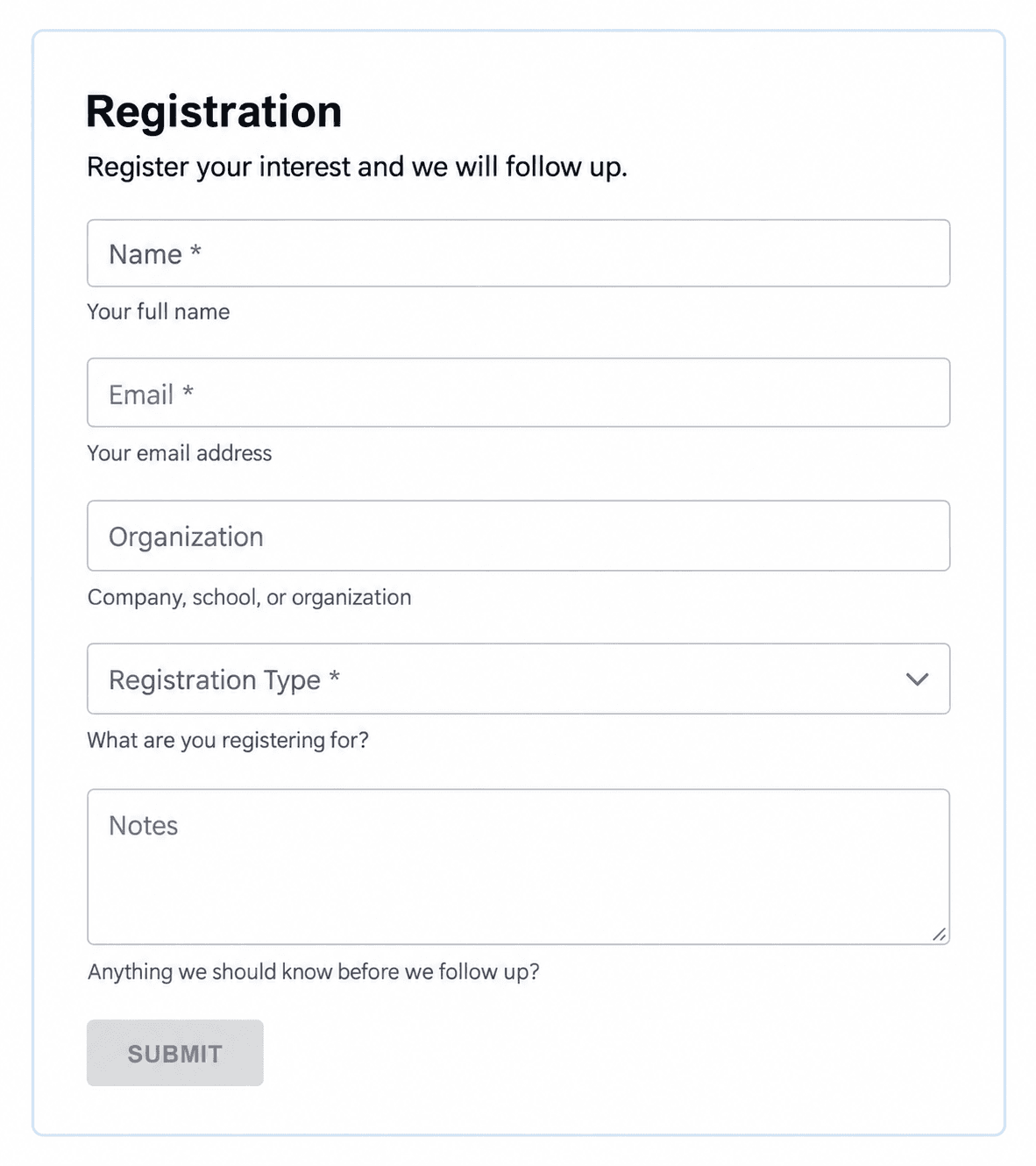
Collect event, demo or waitlist registrations and keep the next action visible.
Use the email campaign launch checklist to test the audience, personalization, links and delivered message before the authorized sender releases it. Record approval for the exact campaign version, audience and timing. If one changes, repeat the affected checks.
For a store promotion, the retail display checklist compares the approved offer with the actual products, signs and POS prices. Assign the end-of-promotion change when the display goes up, so an expired offer does not remain on the shop floor.
Use the registration form for event, demo or waitlist signups. Pro intake forms turn submissions into tasks that your team can follow up. Decide who reviews new responses, which status means action is still needed, and how urgent items should be handled before sharing the form.
The marketing campaign checklist starts with the audience, offer, creative work and budget, then prompts a review of the response. Use it to plan a defined promotion. The product launch checklist covers a broader physical-product launch, including testing, production, suppliers, distribution, sales and support readiness. Choose it when those departments need to prepare together.
Save an applicable checklist as a Template and tailor its steps to your review process. Start a new checklist for each campaign or display change so the previous approval and results stay with the work they describe. Play can guide the checks in the email and retail workflows; List supports shared preparation. Use a recurring template schedule on a paid plan only when the work follows a regular cadence.