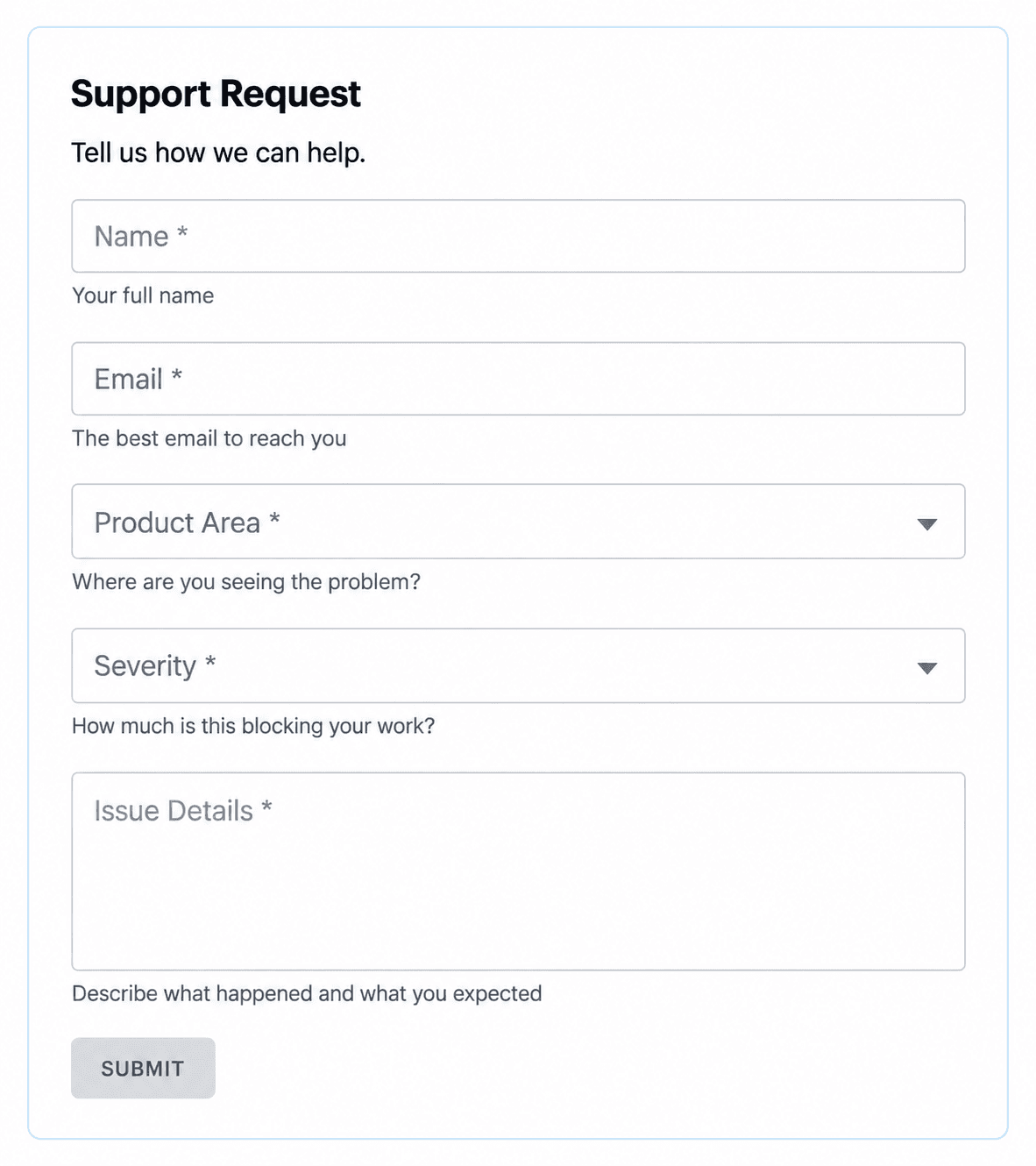
Support Request
Collect product area, severity and problem details so your team can triage support requests and follow up with the right person.

Operations · Templates
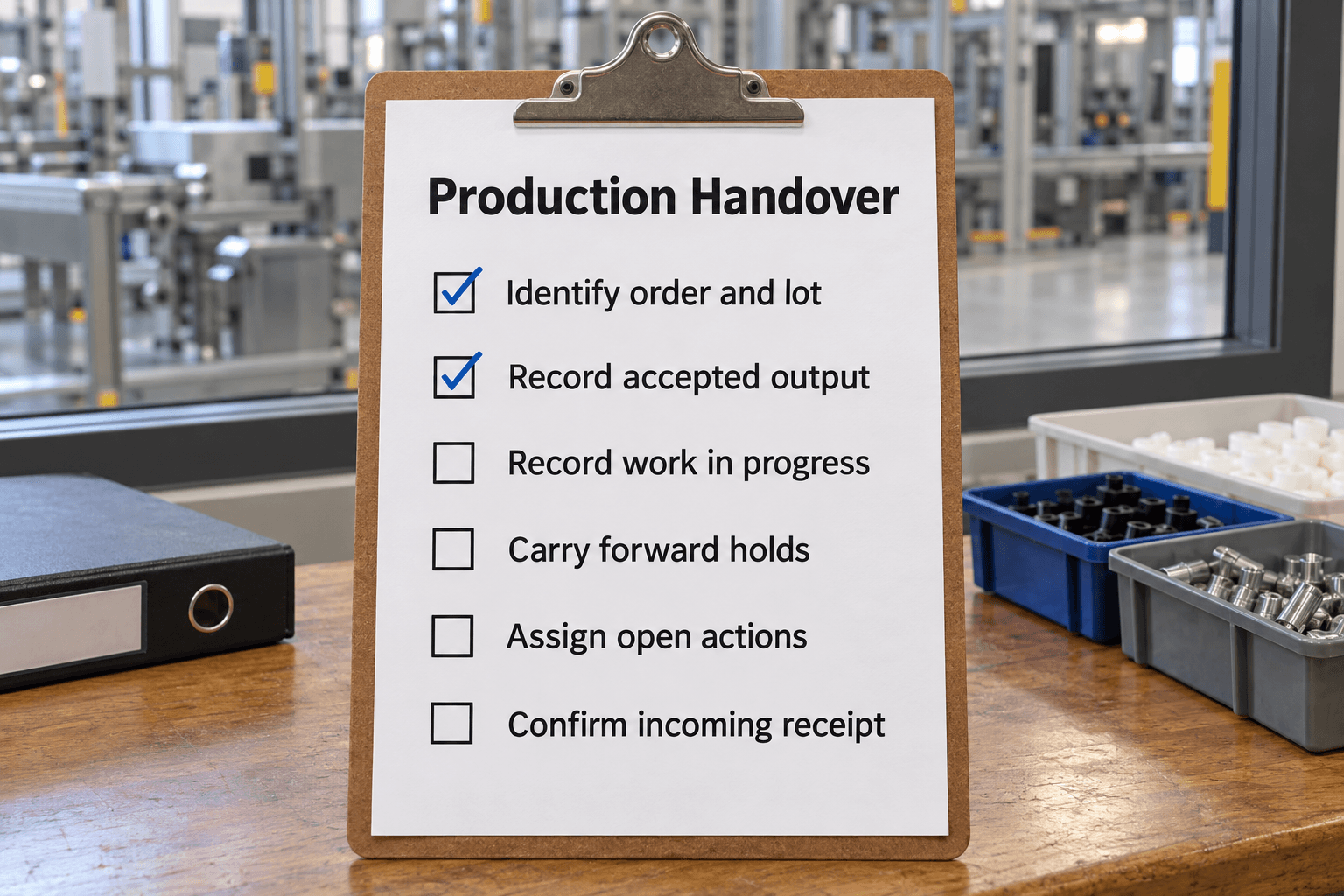
Featured checklist
Reconcile output, work in progress, equipment restrictions and held product with the incoming production lead.
44 templates
Capture support issues, test online checkout and evaluate help-desk tools.
Collect product area, severity and problem details so your team can triage support requests and follow up with the right person.
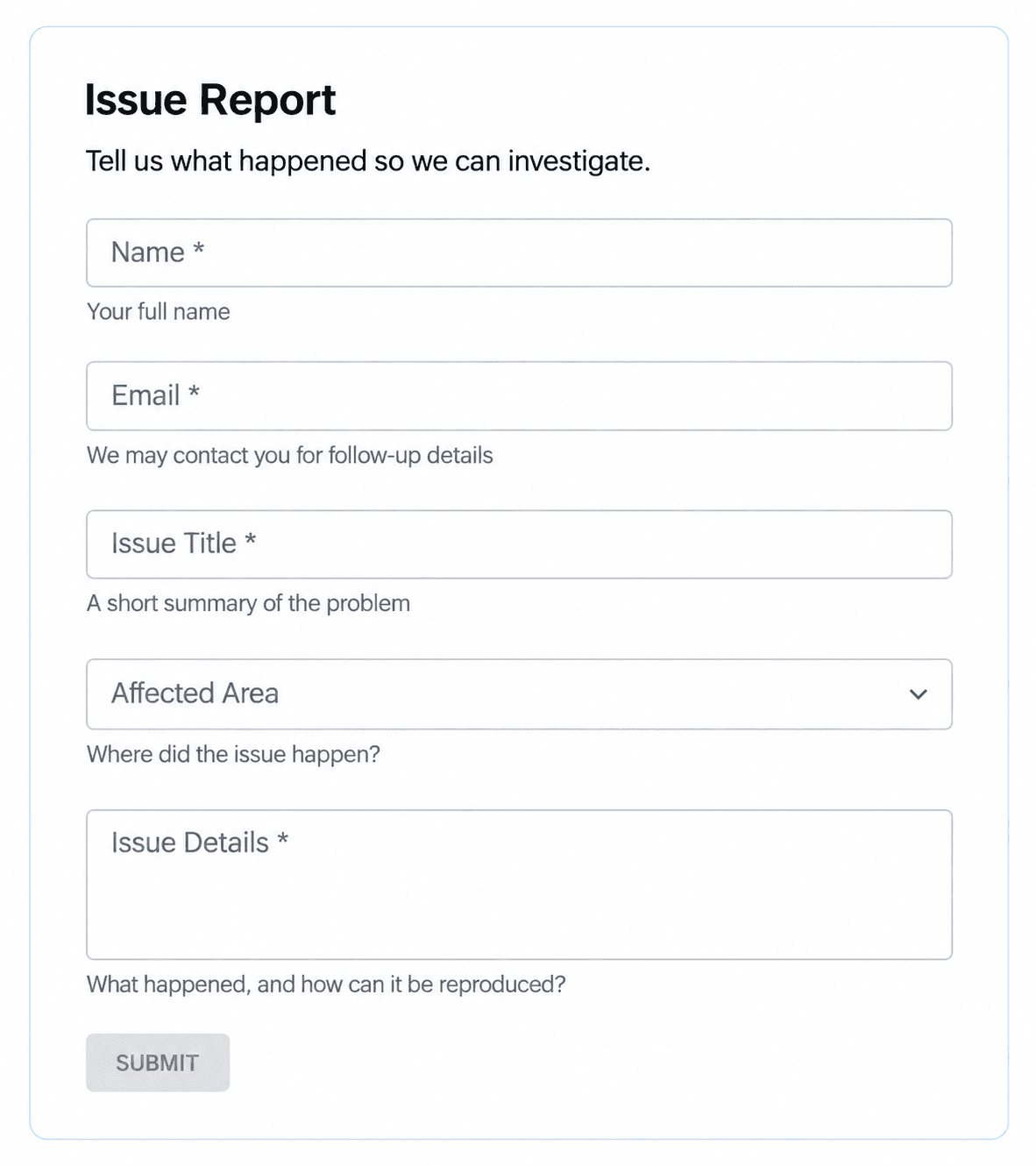
Capture the affected area, a clear issue title and steps to reproduce so your team has the details needed to investigate.
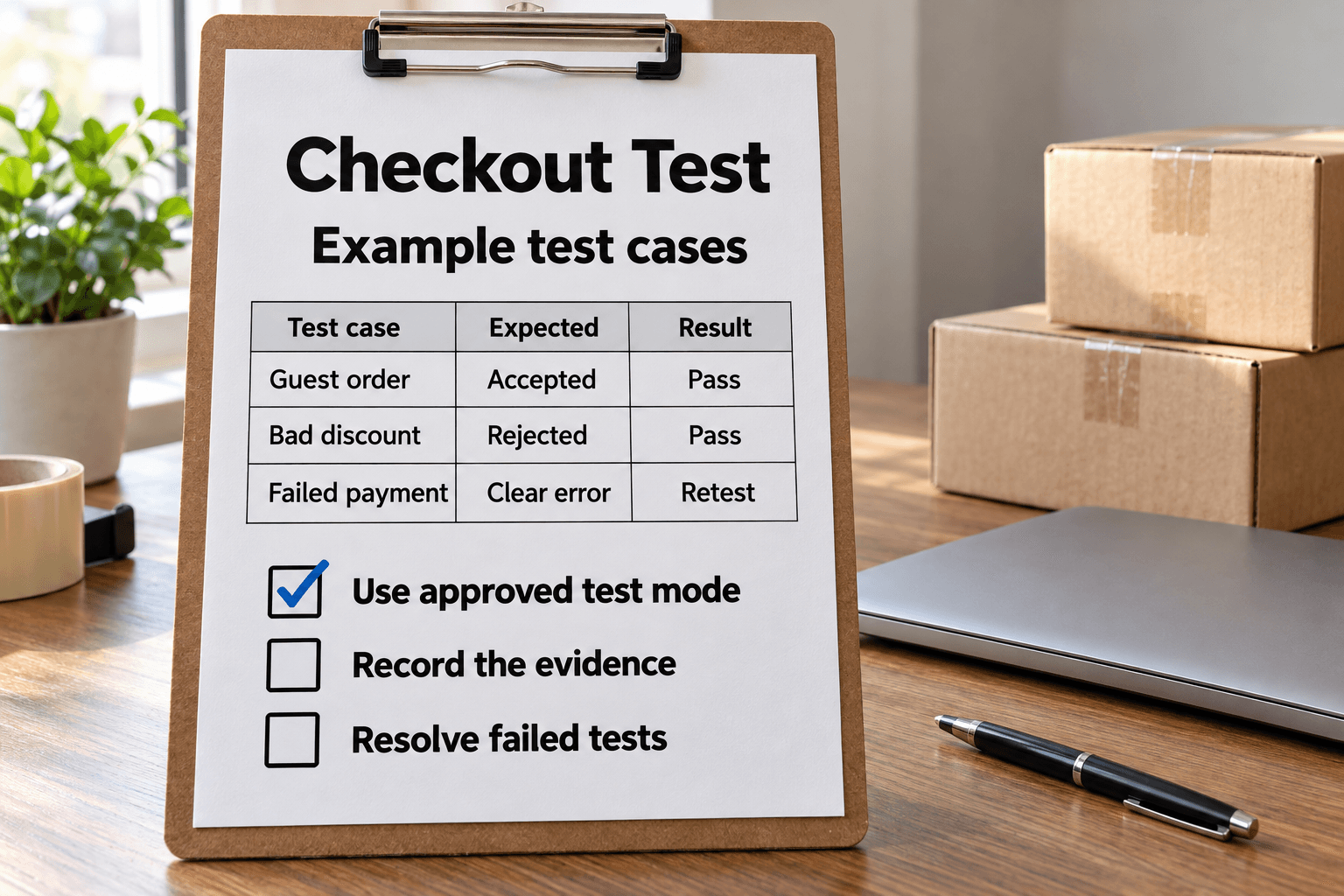
Test an ecommerce checkout in an approved test environment, verify order and notification effects, retest failures and prepare a clean release handoff.

Compare help desk tools against your support volume, ticket workflow, reporting, migration needs and budget.
Make an opening or start decision with checks suited to the workplace.
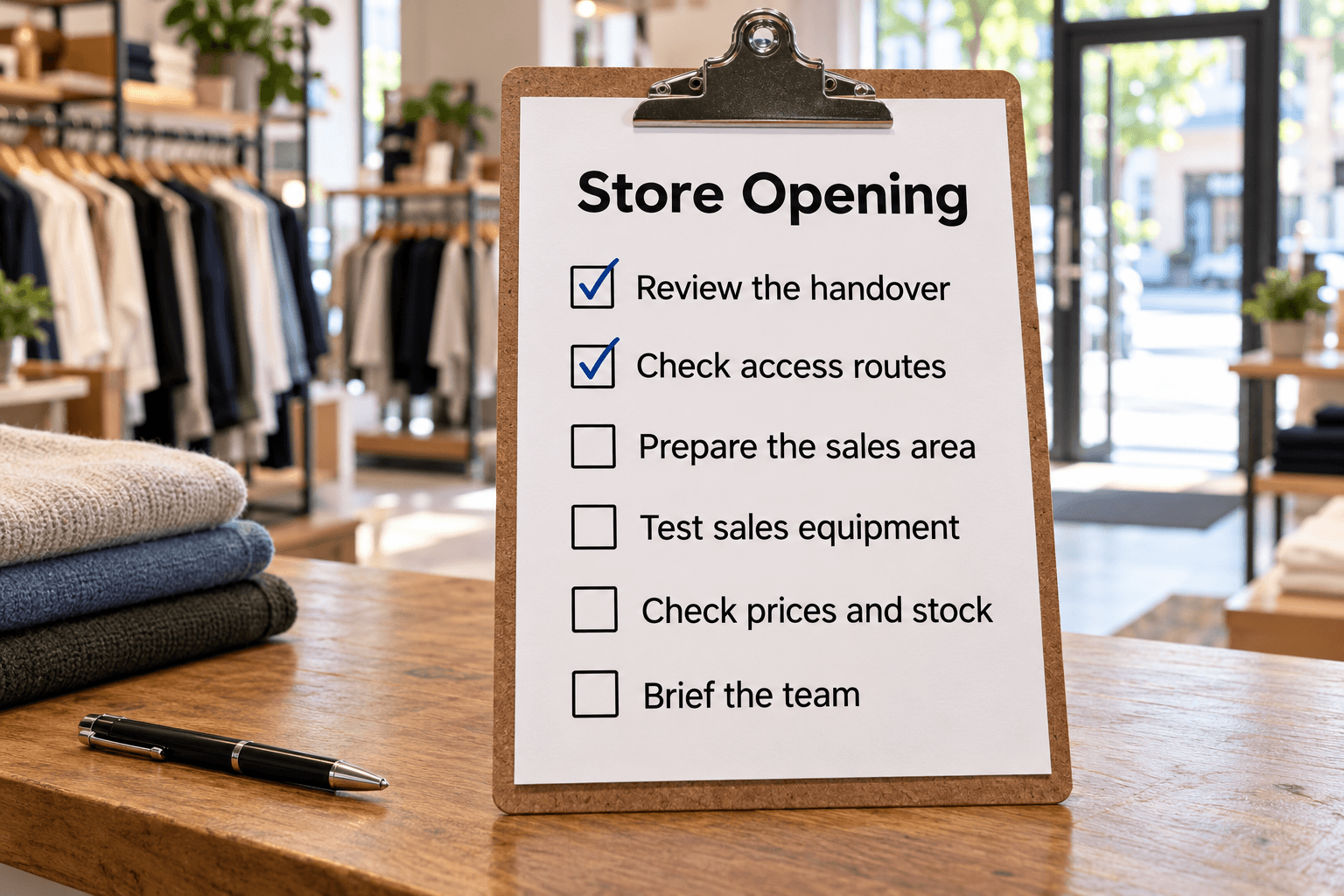
Get the store ready for customers with opening checks for staff, sales areas, tills, payment systems and promotions.

Prepare your gym for the first members with equipment counts, facility checks, cleaning supplies and a manager's opening decision.
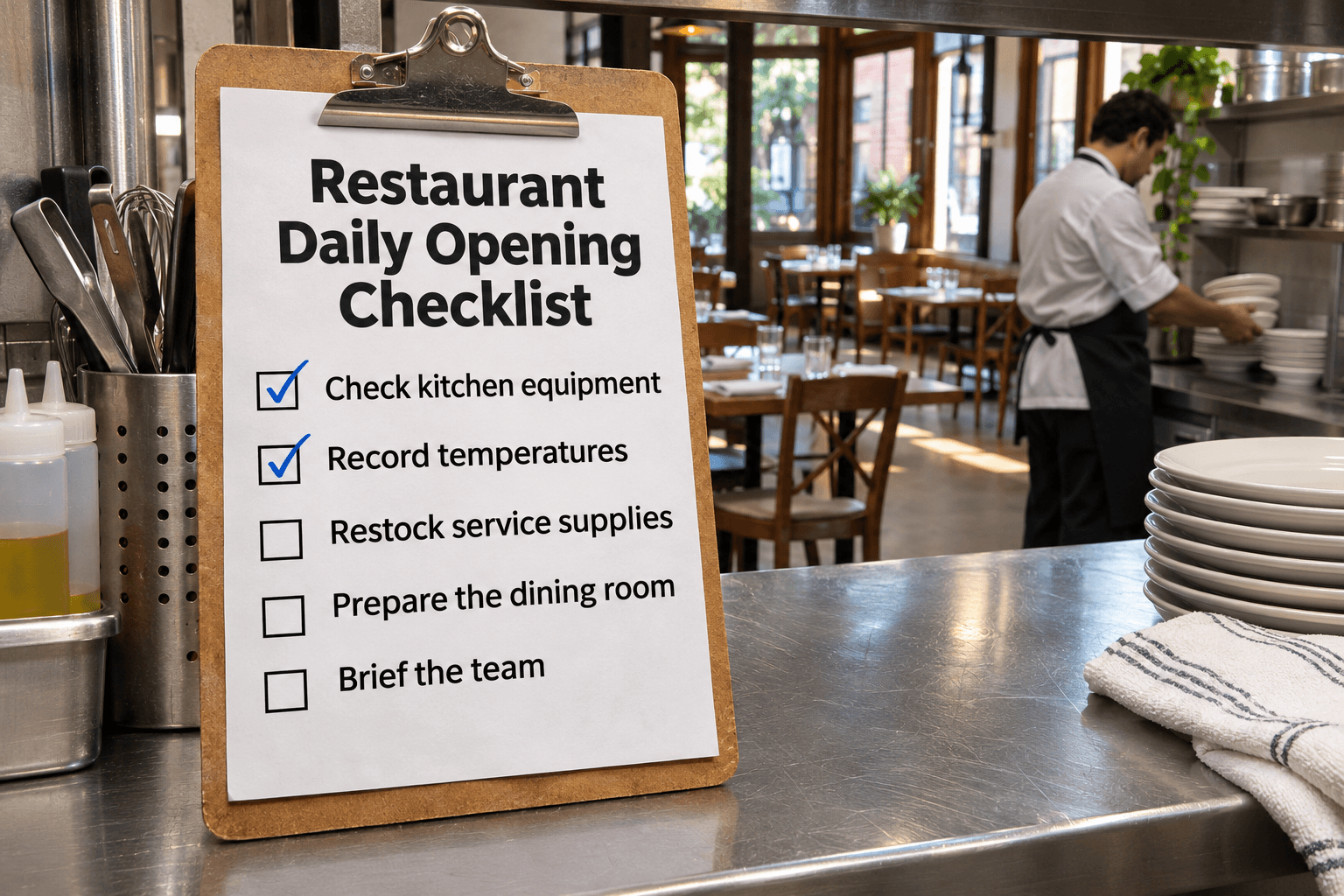
Prepare for restaurant service with equipment and temperature checks, staff assignments and dining-area setup.
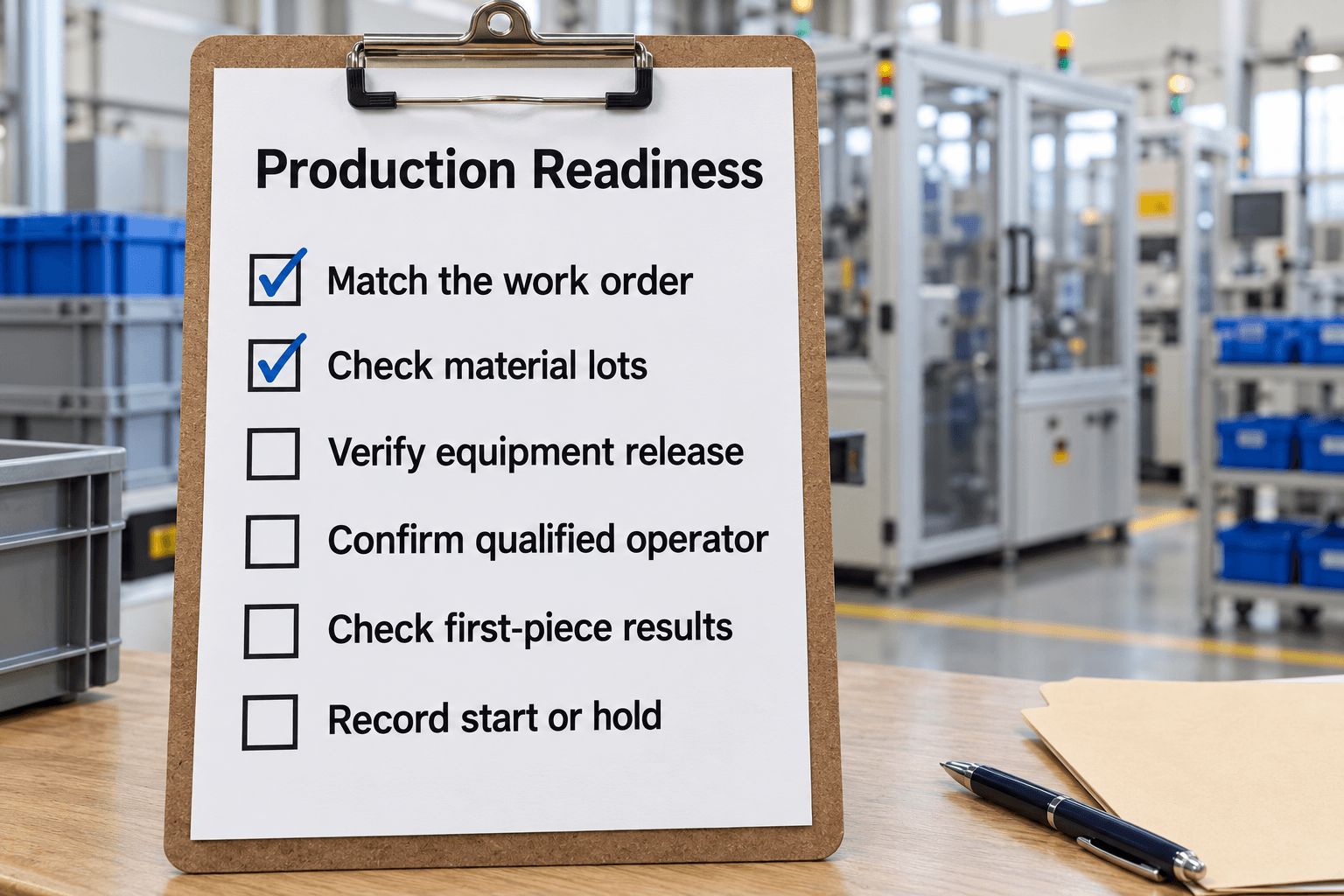
Verify the order, material lots, equipment release and first-piece evidence before an authorized production start.
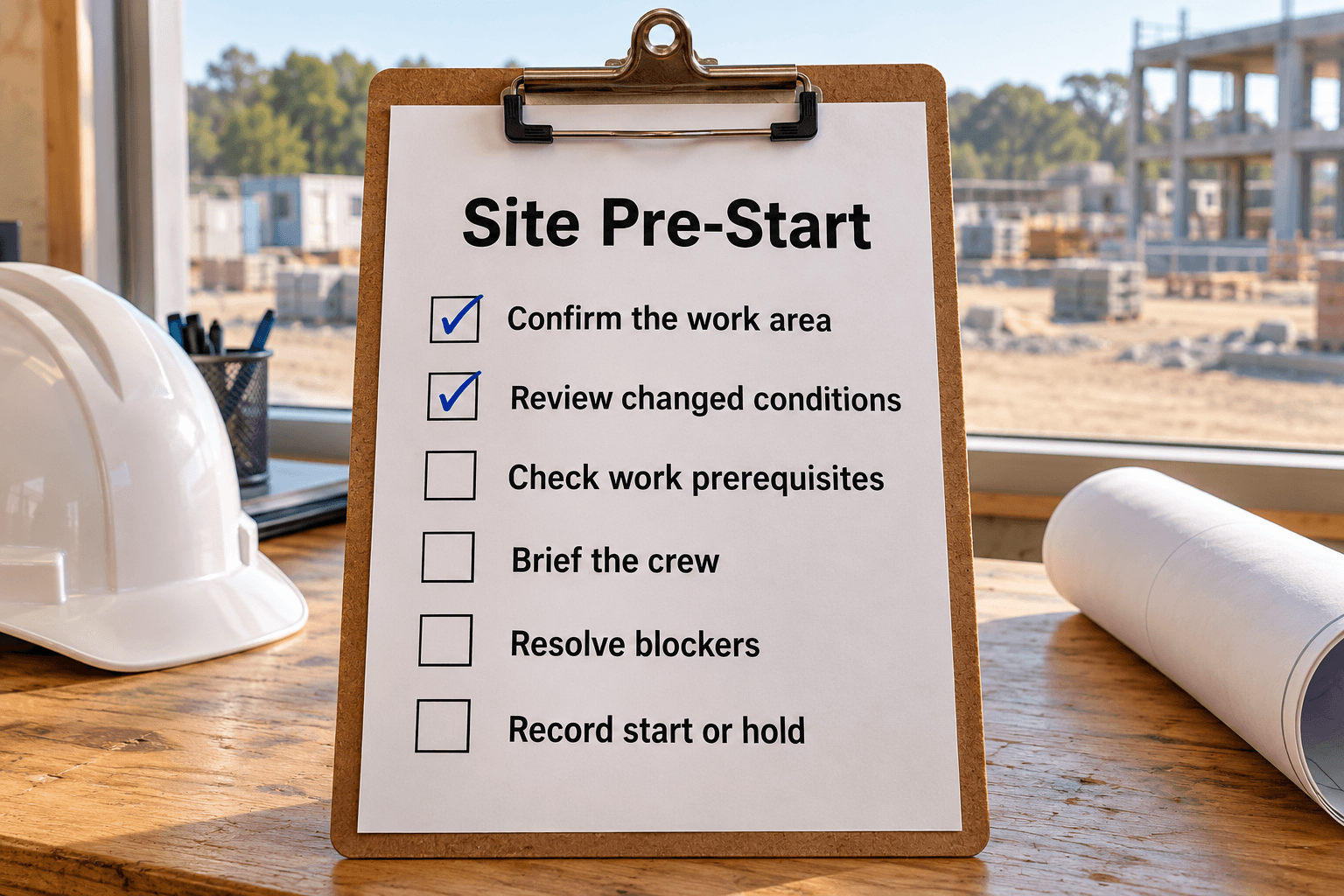
Brief today’s work, changed conditions and prerequisites, then record authorized starts, holds and blocker owners.
Pass responsibilities, restrictions and next actions to the people taking over.
Reconcile output, work in progress, equipment restrictions and held product with the incoming production lead.
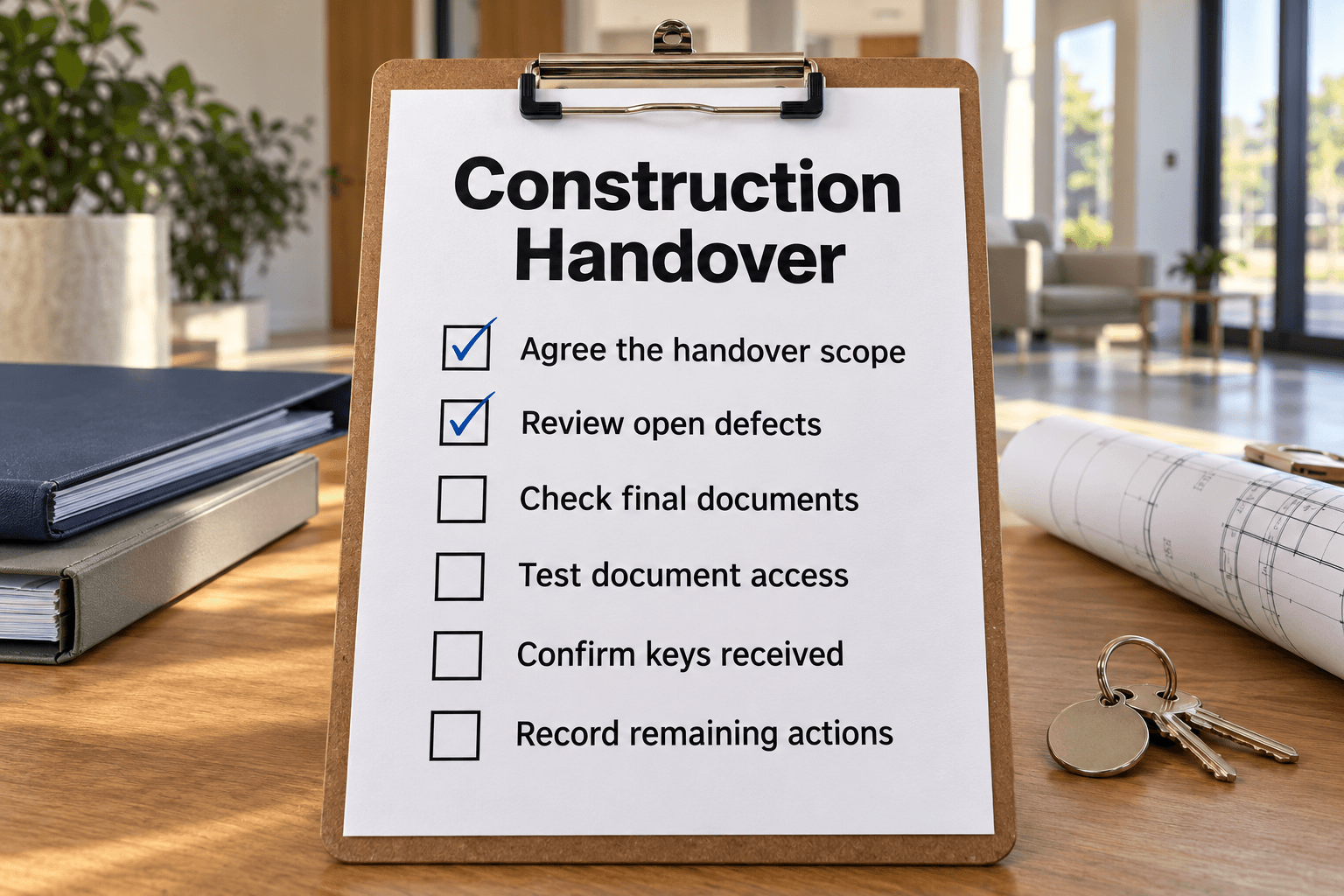
Transfer completed scope, labeled documents, operating knowledge and open exceptions to the receiving project team.
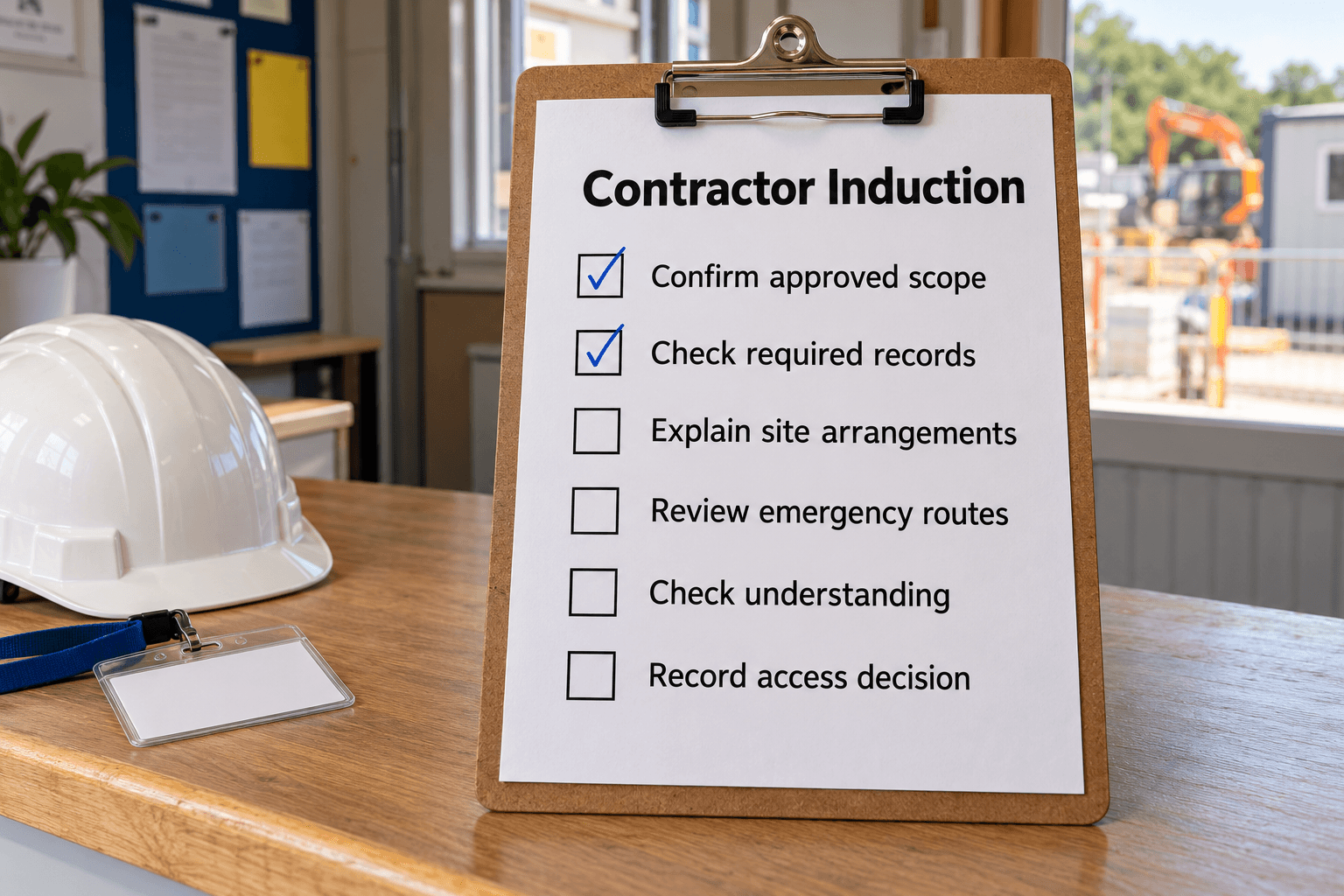
Confirm a contractor’s approved role, explain site arrangements and check understanding before permitted work begins.
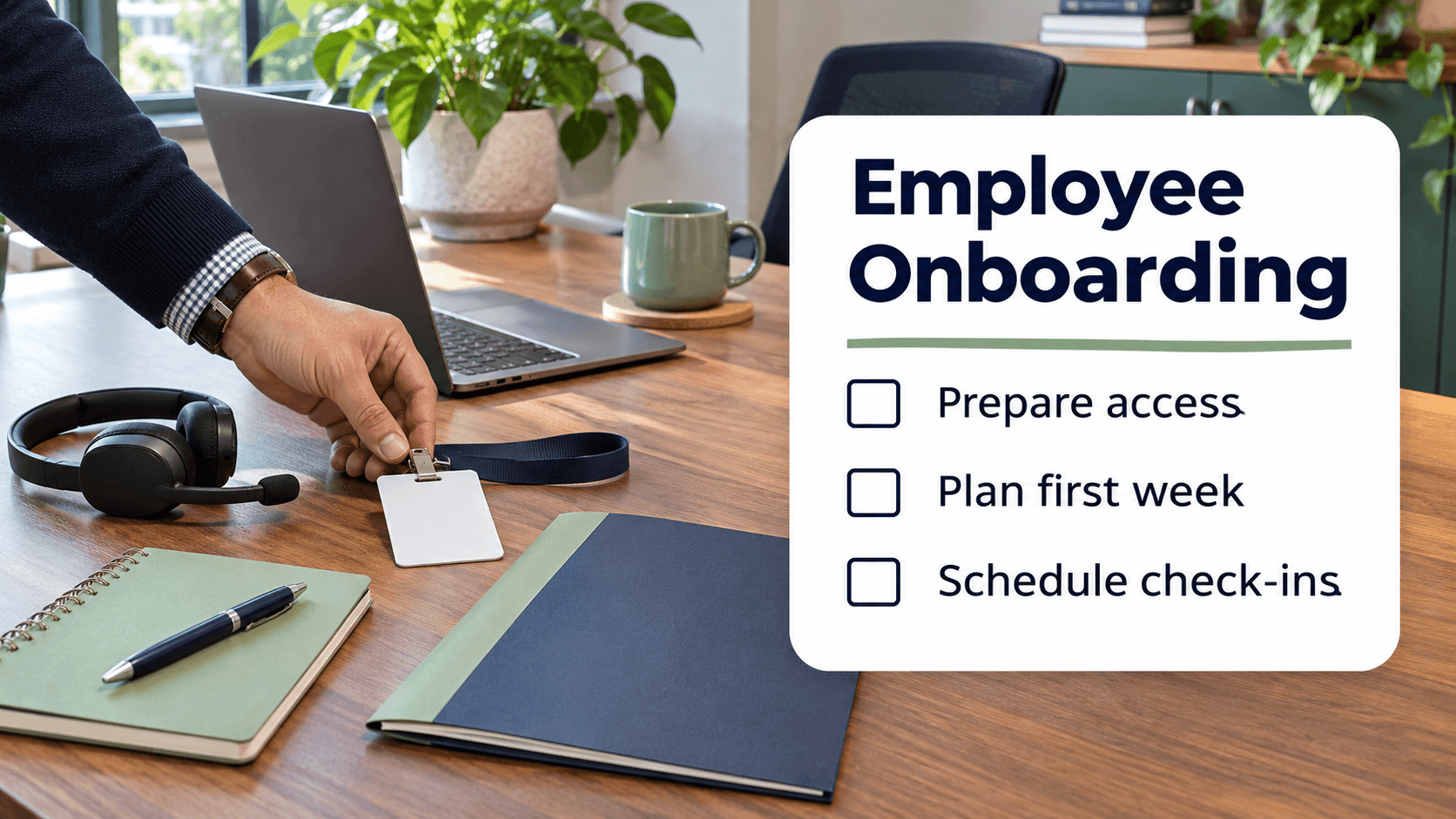
Prepare equipment and paperwork, plan first-week training and introductions, and schedule check-ins through the first month.

Reset equipment, check cleaning and stock, hand over unresolved faults and complete the gym's secure closing routine.

Plan how to select, train and manage a virtual assistant for your work.
Keep the physical goods, location and handoff records aligned.
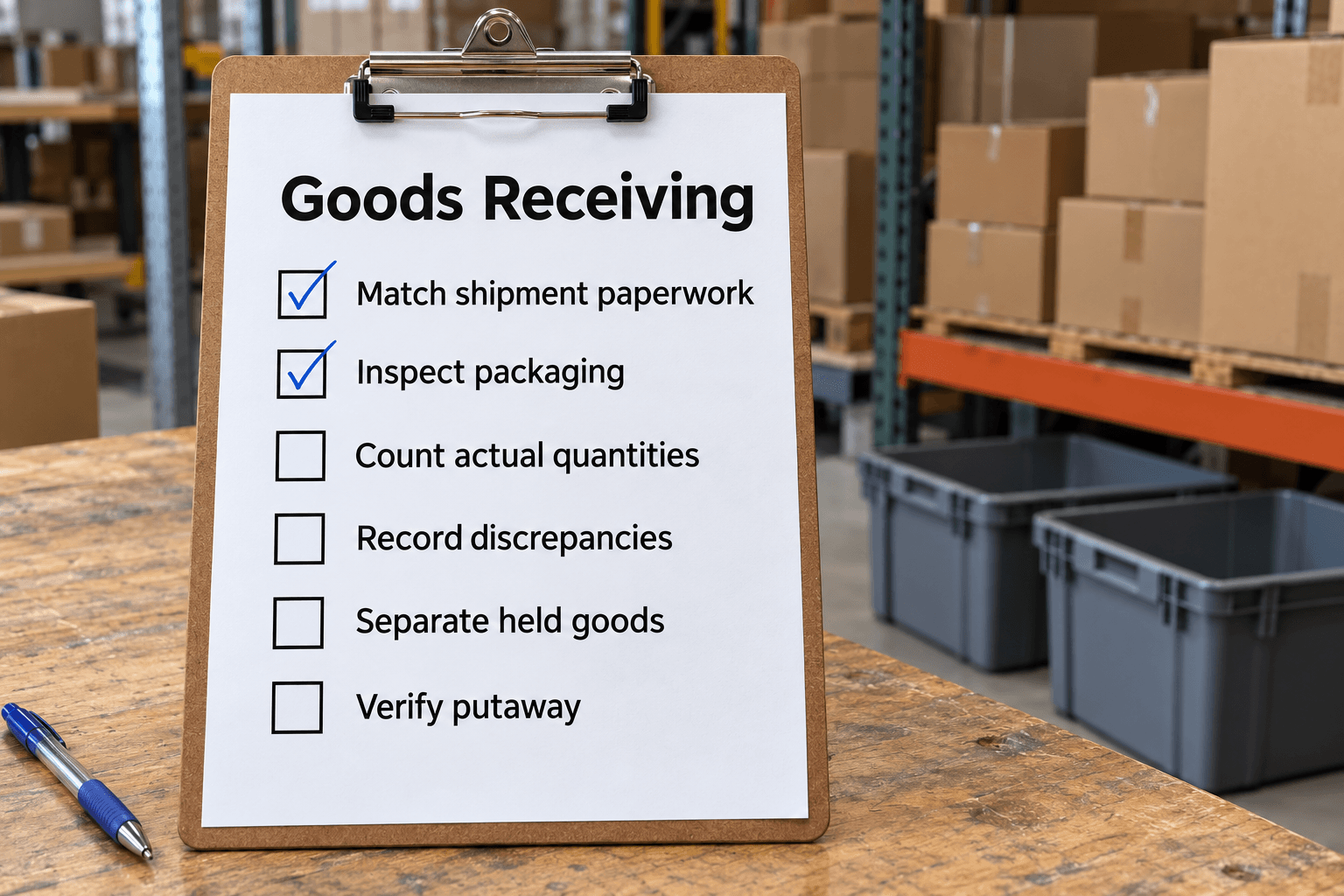
Match deliveries to orders, check quantities and condition, separate held goods, and verify stock locations.
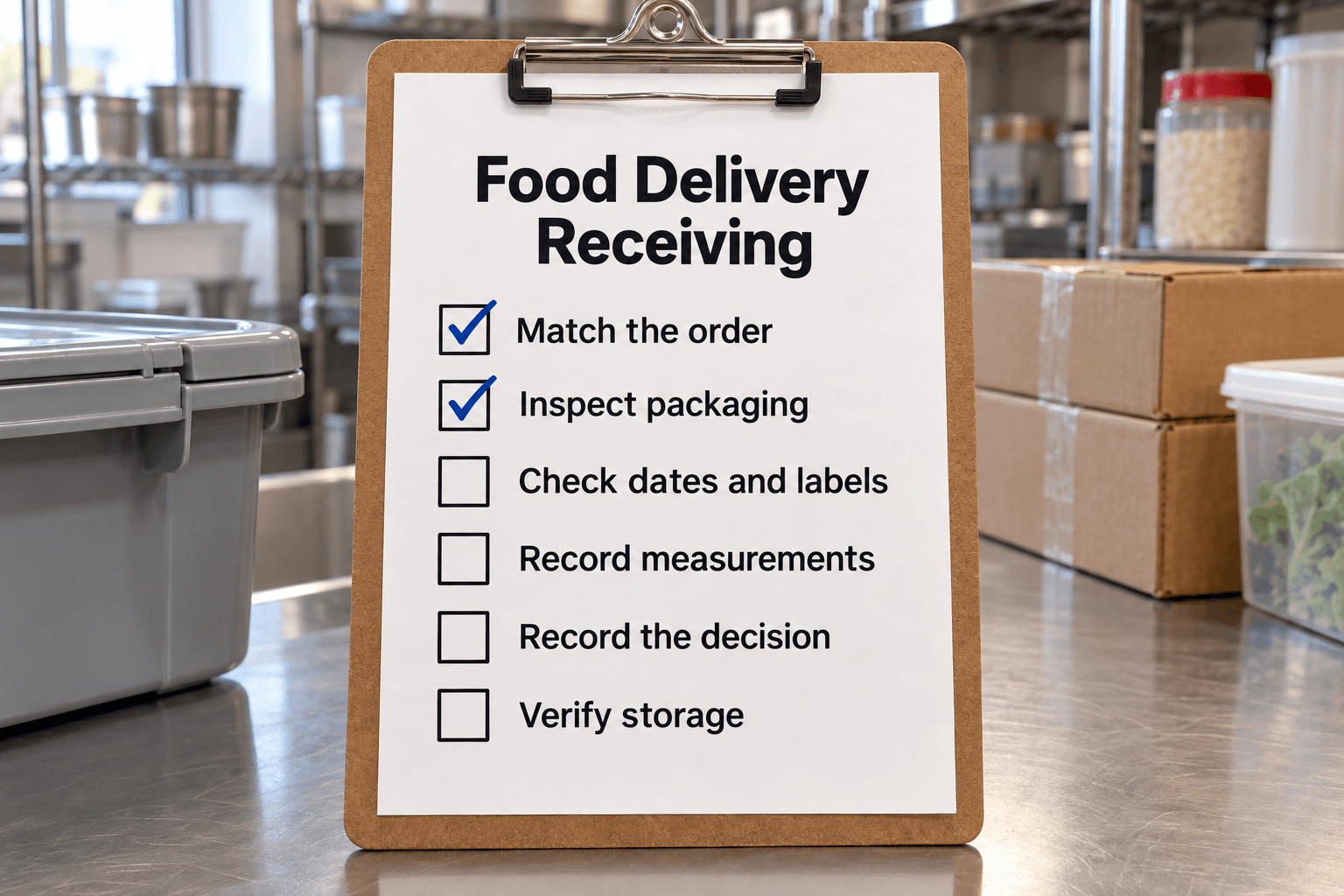
Check a food delivery against the order and the site’s acceptance rules, record measurements and discrepancies, and verify storage of accepted items.
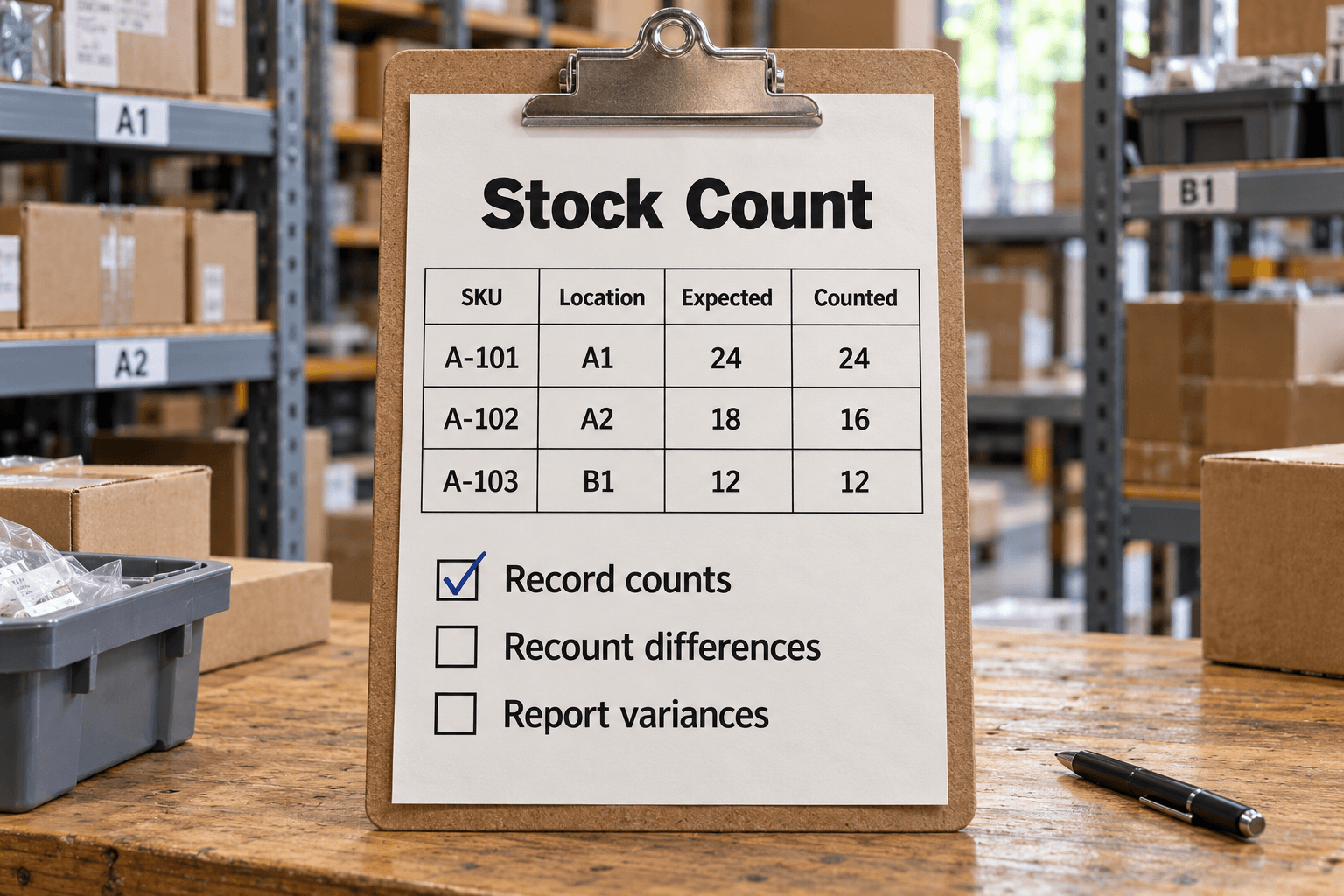
A stocktake and cycle-count record for preserving physical observations, investigating differences and documenting authorized inventory adjustments.
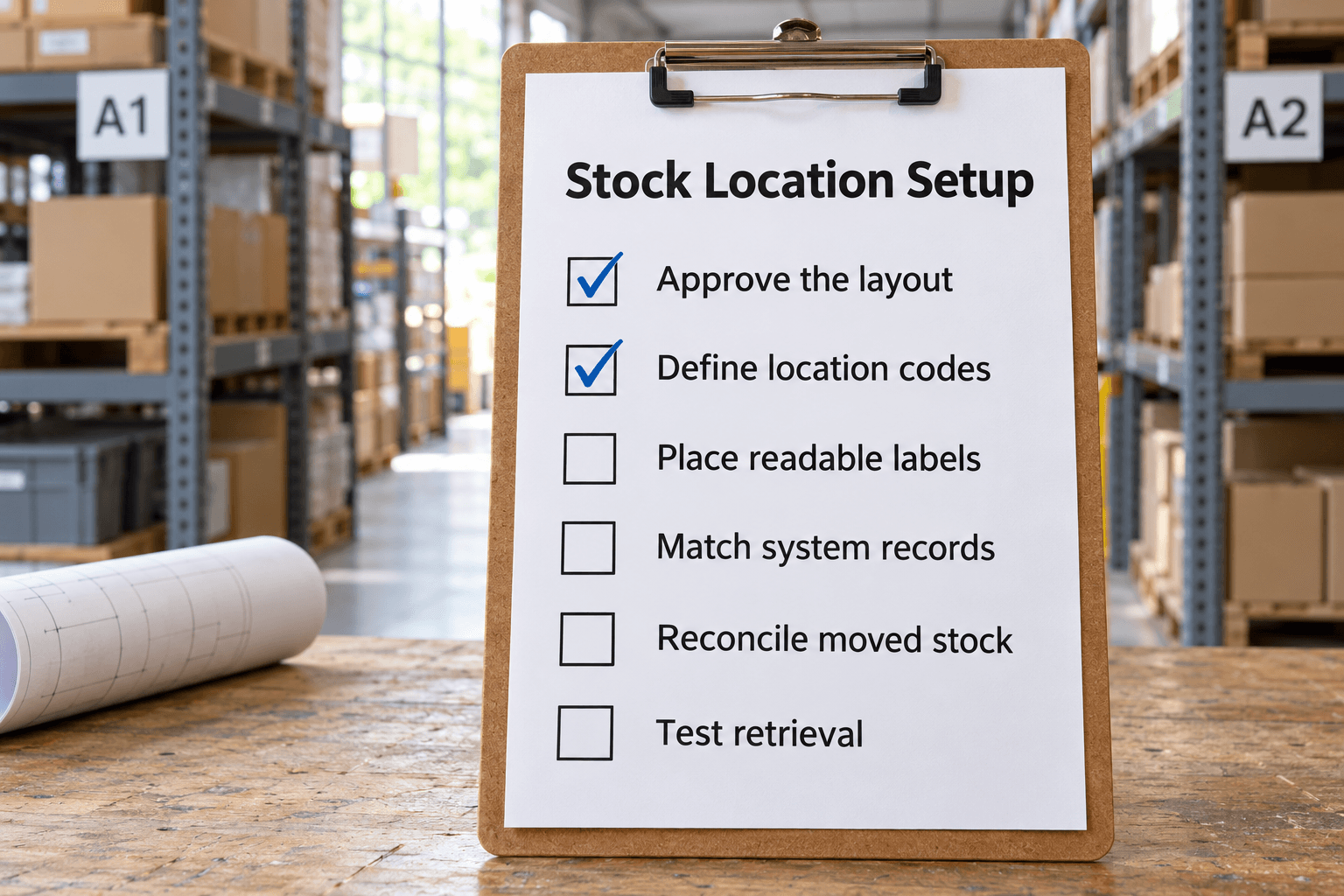
Turn an approved warehouse layout into unique, readable stock locations and verify the physical labels, inventory records and receiving-to-pick route.
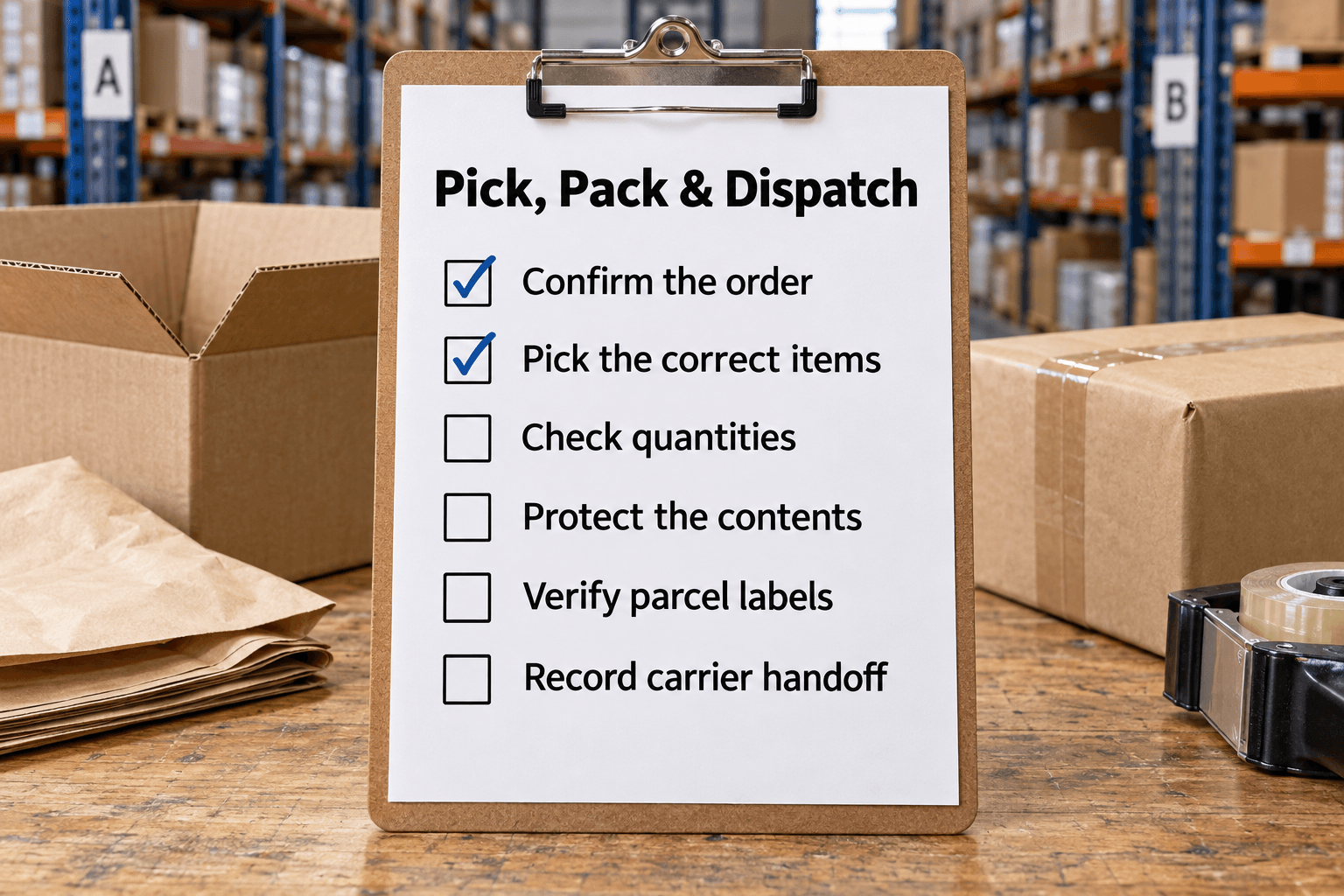
Verify an order from released pick list through packing and carrier handoff, keeping shortages, partial shipments and tracking evidence clear.
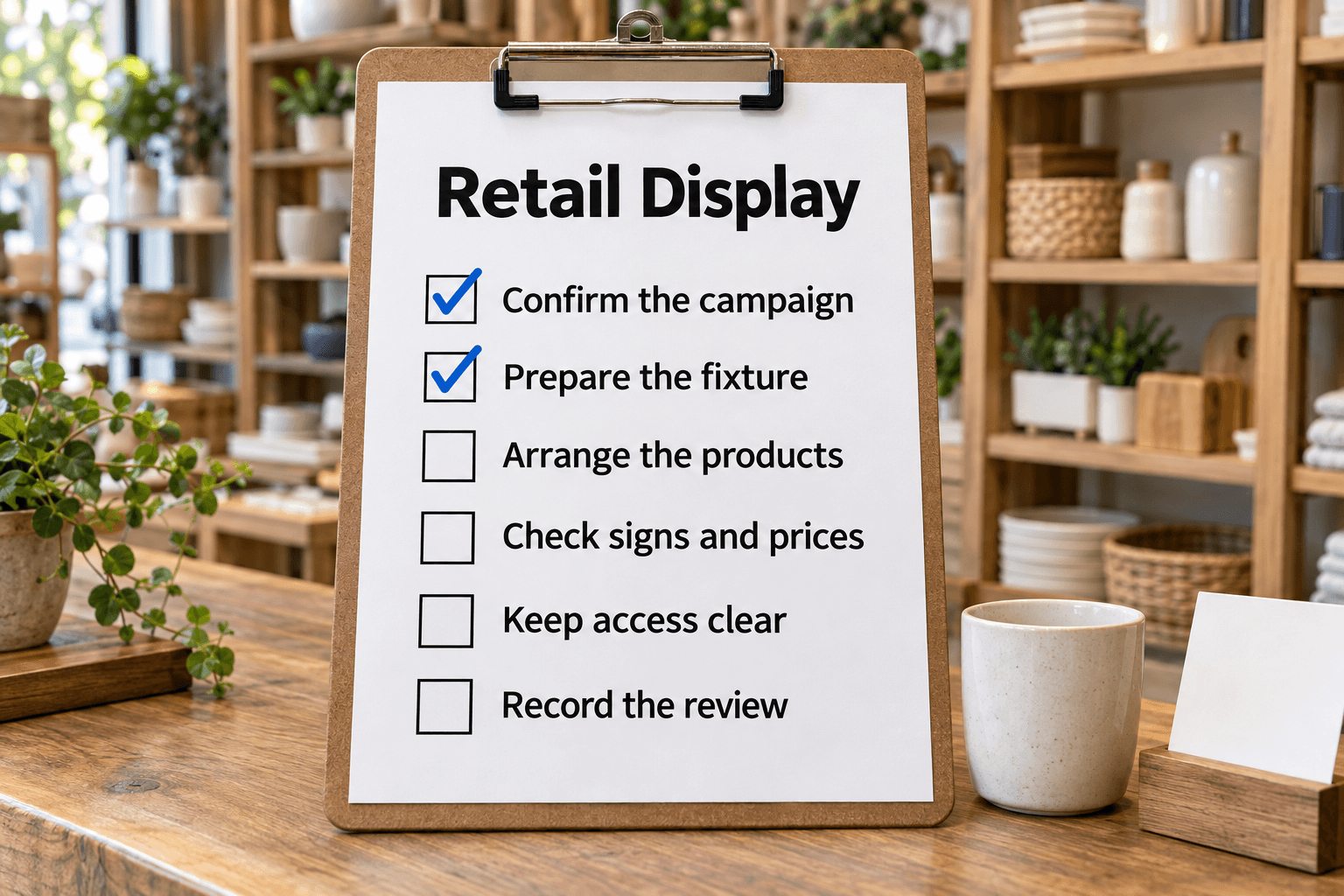
Change a retail promotional display and verify products, offer dates, signage and POS prices against the approved campaign before release.
Plan customer service, evaluate vendors, prepare a survey and coordinate events or restaurant changes.

Elevate your customer service with this thorough checklist. Enhance communication, product knowledge & conflict resolution skills for better service.

Streamline your vendor evaluation process with this thorough checklist. Ensure compatibility, professionalism & reliability for better partnerships.

Plan your trade-show exhibit, prepare the team and materials, and make the most of conversations at the show.

Plan a restaurant's concept, location, equipment, staffing and opening preparations.
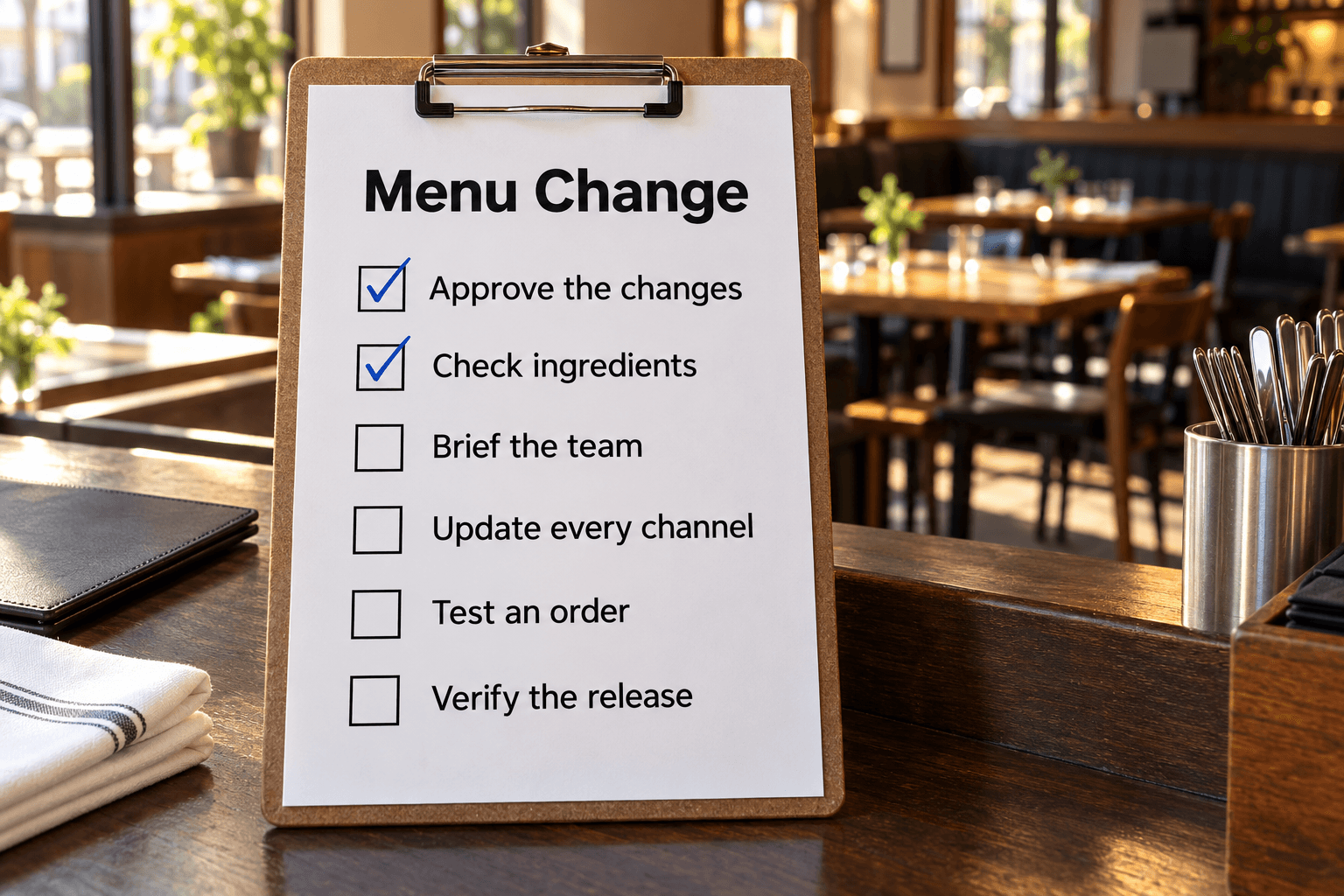
Roll out an approved menu version across kitchen, service, POS and ordering channels, then test prices, modifiers, availability and first-order execution.

Define survey objectives, write clear questions and review the draft before collecting responses.
Use one checklist for a named shift, delivery, stock-count scope or new hire. That makes it clear which date, location and people the record covers. The retail store opening checklist brings together the previous shift's handover, staffing, sales areas, tills and payment-system checks. Gym opening adds equipment counts and a manager's opening decision. For production, the run readiness checklist checks the current order, material lots, equipment status and required start evidence.
Before a team starts using a template, replace starter examples, name the responsible roles and agree what should happen when a check fails. Equipment release, product holds and other controlled decisions still follow your site's authorized process.
A tick records completion; an operational record also needs enough detail for the next person to act. Use the fields already built into the selected template to capture the relevant quantity, time, reference or decision.
The production shift handover checklist provides Form for reviewing the whole status record, Play for a guided exchange and List for managing open work. Its acknowledgment records receipt of the handover; it does not release held product or authorize a machine restart.
The Support Request form and Issue Report form collect the information a team needs to triage incoming work. Pro intake forms can create tasks from submissions. The online checkout test checklist uses a Table to keep each scenario, result and evidence together; use an approved test environment and retest failures.
For work that is not tied to a single shift, choose a list for the actual job: customer service, vendor evaluation, a trade show or a restaurant menu change. Add the criteria, owners and escalation route used by your organization.
Save the chosen workflow as a Checklist for the current job. Where the page offers Save as Template, tailor the standard checks for repeated use and start a separate checklist for each shift or delivery. Save options vary by page; intake forms follow their own setup journey. In a Pro workspace, assign work to team members with access and use custom fields or columns for details specific to your operation. Scheduled templates can create fresh checklists at agreed times; schedules require a paid plan.
Play guides an existing checklist step by step and is available on every plan. The views offered depend on the template: for example, Stock Count uses Table for its item-by-location records, while Goods Receiving uses Play for the receiving sequence. Keep each unresolved finding as open follow-up work with an owner and next action, even after the inspection or handover itself is recorded.