Restaurant Daily Opening Checklist
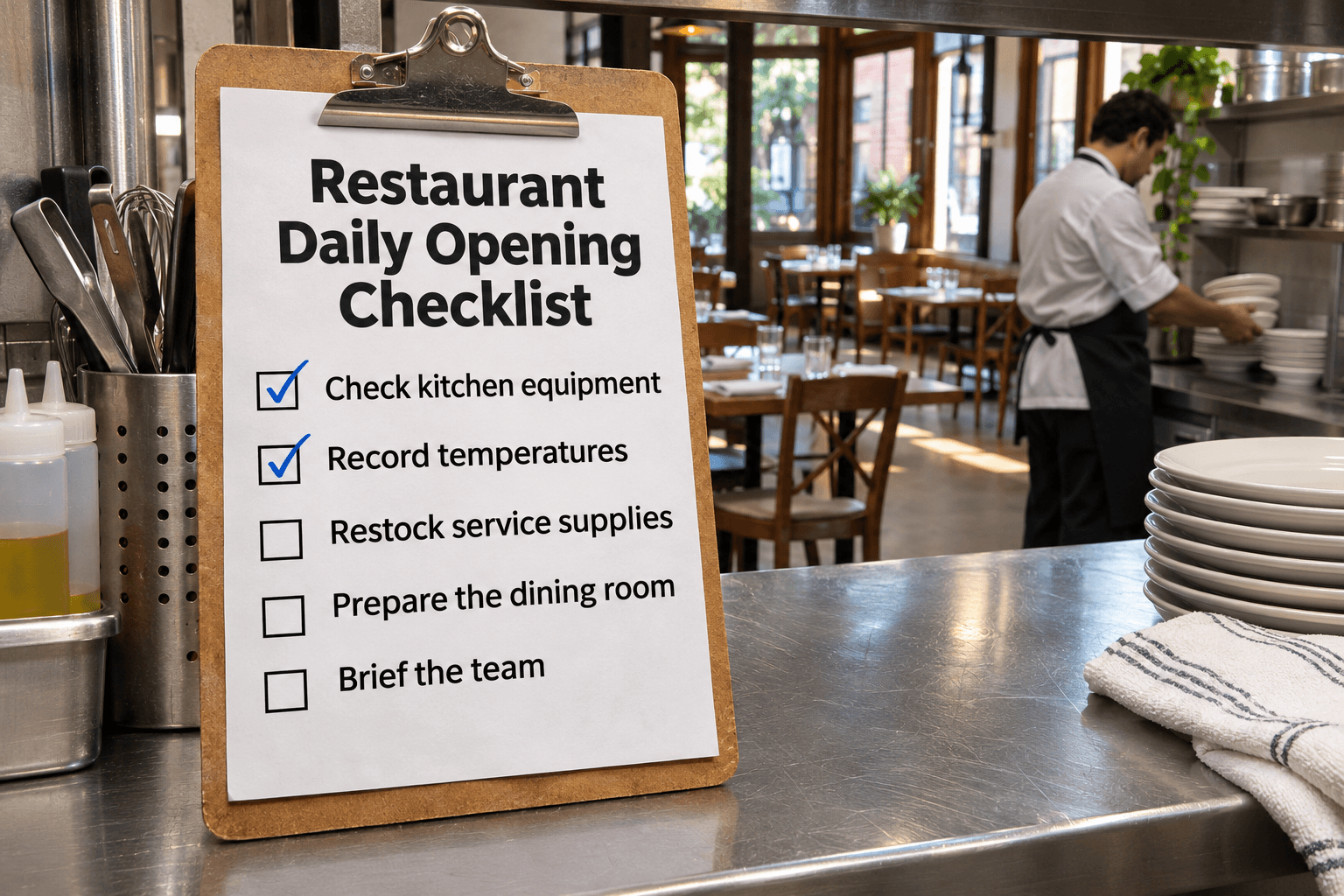
Prepare for restaurant service with equipment and temperature checks, staff assignments and dining-area setup.

Restaurant · Templates
Featured checklist
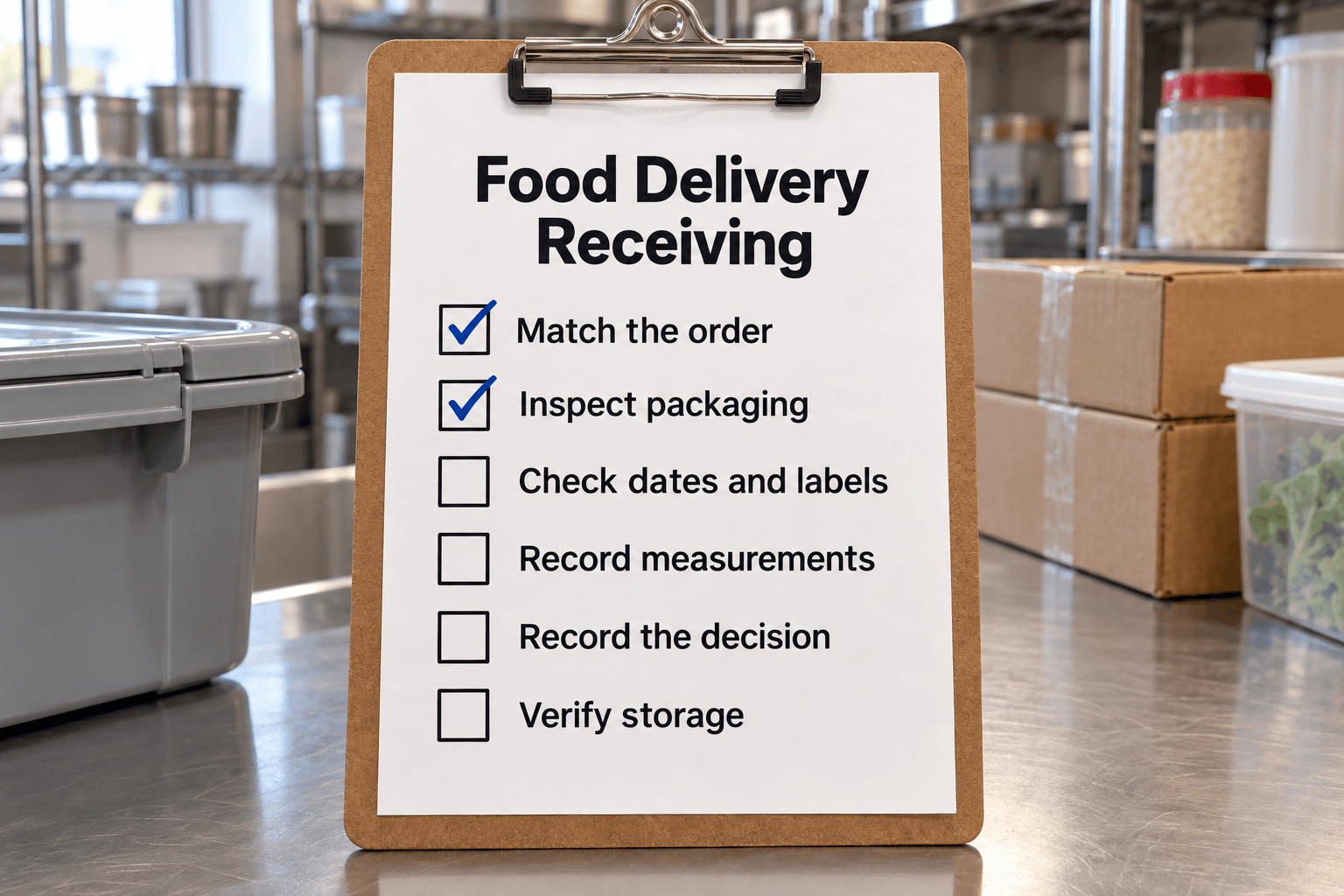
Check a food delivery against the order and the site’s acceptance rules, record measurements and discrepancies, and verify storage of accepted items.
9 templates
Prepare the restaurant for the day and check deliveries against your site's acceptance rules.
Prepare for restaurant service with equipment and temperature checks, staff assignments and dining-area setup.
Check a food delivery against the order and the site’s acceptance rules, record measurements and discrepancies, and verify storage of accepted items.
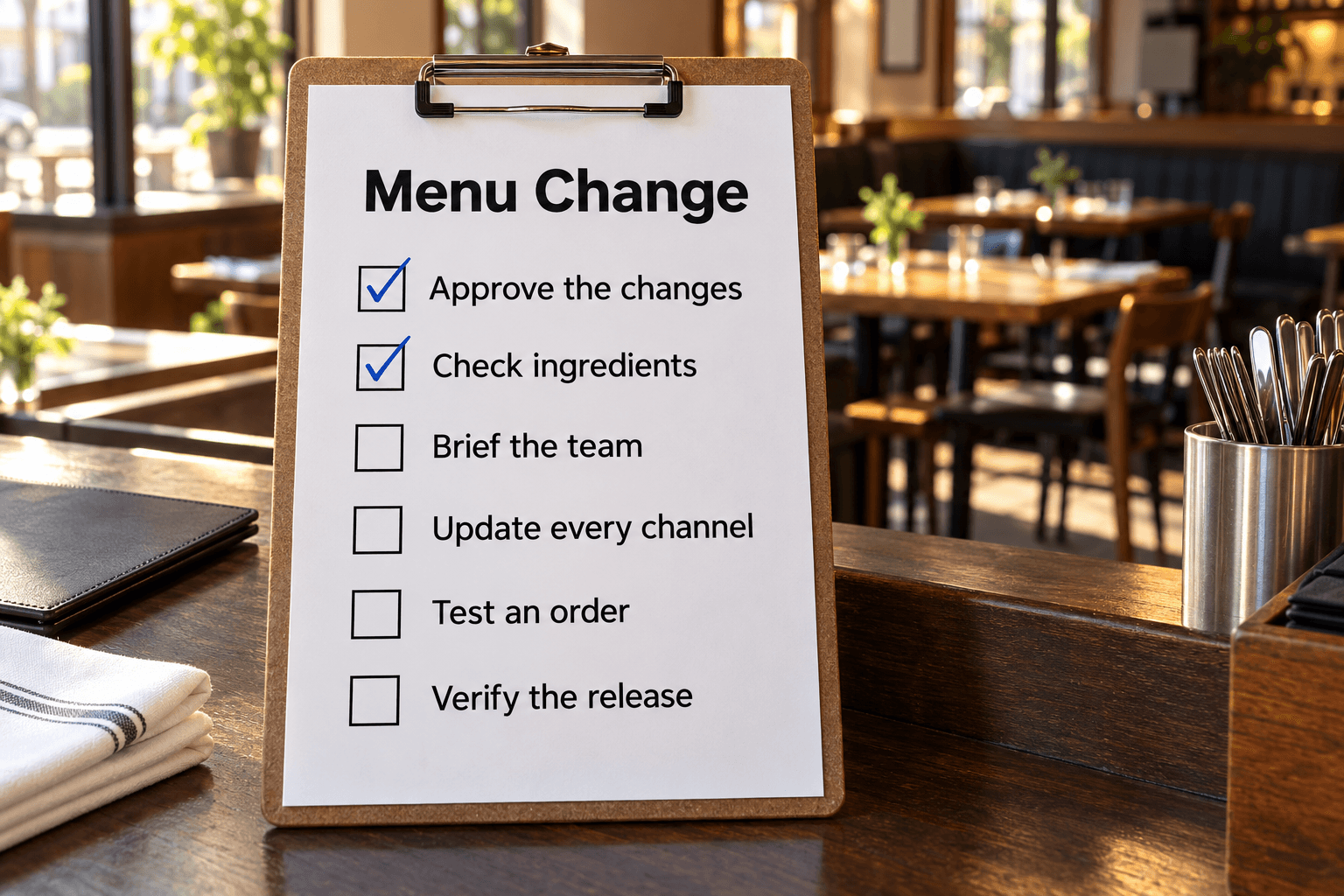
Coordinate the approved version across kitchen, service and ordering channels.
Explore startup, location, equipment, staffing and marketing decisions.
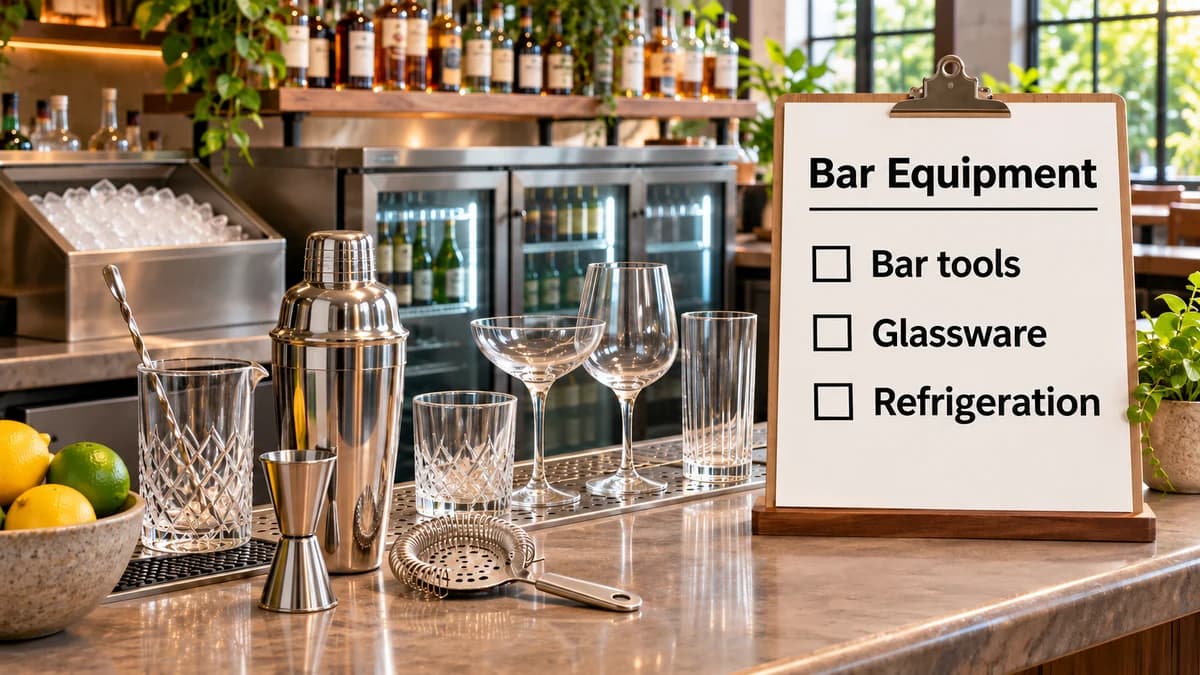
Plan the business and select the equipment, refrigeration and glassware you need.
The restaurant daily opening checklist provides a Form for the opening lead, equipment and temperature checks, supplies, staff assignments and service preparation. Adapt the questions and checks to each station, add the units and acceptance criteria your site uses, and make exceptions and escalation clear.
The food delivery receiving checklist guides a receiver through matching an order, checking delivery conditions and recording product measurements or discrepancies. It includes starter checks for chilled, frozen and ambient products. Adapt or duplicate these for the actual items and record the acceptance or rejection decision before storing accepted food. Follow your site's approved limits and local food-safety requirements rather than assuming one universal temperature or procedure.
The menu change checklist covers approval of a specific version, staff briefing, point-of-sale and ordering updates, then testing after release. It has answer fields for the release owner, effective time and approvals. Have the responsible food-service person verify ingredient and allergen information using current sources; do not guess. Add a separate check for each ordering channel you operate.
Save a page as a Checklist for one delivery or change. For recurring work, save it as a Template, adapt the standard steps and start a separate checklist for each occasion. Play is available on the receiving and menu-change pages for guided execution. In a Pro workspace, assignments help identify responsibility and custom fields can capture additional information; give staff the appropriate access.
The restaurant checklist covers concept, location, equipment, staffing and opening decisions. The café startup checklist focuses on launching and marketing a coffee business. Use them as planning prompts, select the steps that fit your plans and verify registration and licensing requirements with the relevant local authorities.
For a new or changing bar, the bar checklist covers business planning and management, while the bar equipment checklist is a planning inventory for tools, refrigeration and glassware. Keep only the equipment and supplies suited to your menu, space and service.