
Build Your Weekly Reset Checklist
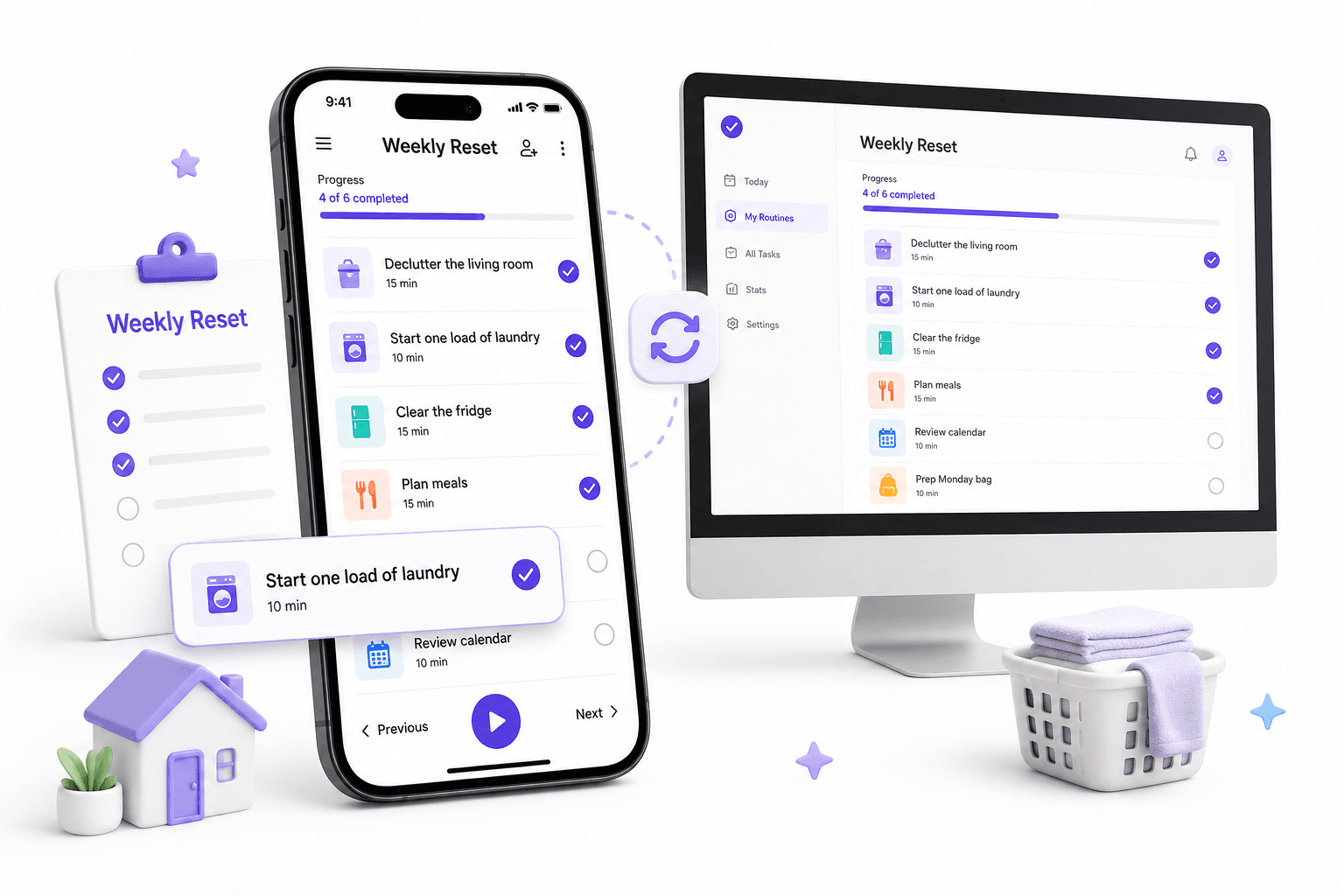
5 tasks selected. Only these tasks will be saved.
Your checklist
5 tasks selected
Start one load of laundry
Do a quick brain dump
Do a 10-minute clutter sweep
Clear expired food from the fridge
Review the upcoming calendar
Choose more tasks
Add optional tasks to your routine.
Start
Choose your weekly reset time
Choose a quick or full reset
Set a reset timer
Gather your reset supplies
Clear Your Mind
Notice what went well last week
Decide what to carry forward
Close small open loops
Write down one thing to let go
Reset Your Home
Reset the entryway and drop zones
Reset the kitchen counters and sink
Reset the living room
Do a quick bathroom reset
Vacuum or sweep high-traffic areas
Laundry and Linens
Finish the most important laundry
Fold and put laundry away
Change the bed sheets
Replace towels and bath mats
Reset the clothing chair and closet floor
Kitchen and Food
Check the pantry and freezer
Make a simple meal plan
Make the grocery list
Shop for or order groceries
Prep a few ingredients or grab-and-go foods
Digital Reset
Clear important email and messages
Close browser tabs and save useful links
Process downloads and screenshots
Tidy your desktop and working files
Review reminders and loose notes
Money and Life Admin
Check bills and payments due
Review recent spending and balances
Process mail, receipts, and paperwork
Schedule needed appointments and calls
Plan returns and errands
Self-Care and Recharge
Check in with your energy
Get some movement or fresh air
Do one personal-care reset
Prepare for a good night's sleep
Take a short screen break
Prepare the Week
Check the family or household schedule
Reset work, school, or gym bags
Prepare Monday food and drink basics
Check transport and departure details
Choose three essentials for the week
Finish
Do a two-minute readiness check
Write one intention for the week
Schedule your next weekly reset
Save and schedule this checklist
Weekly Reset Checklist task instructions
Choose your weekly reset time
Pick a repeatable time to reset, such as Friday afternoon, Saturday morning, Sunday afternoon, or another time that fits your schedule.
A weekly reset does not have to happen on Sunday. Consistency matters more than the day.
Choose a quick or full reset
Decide how much you need this week.
- Quick reset: focus on the few things that will make the biggest difference
- Full reset: work through home, food, admin, digital, and personal areas
Do not turn a reset into an all-day catch-up session unless you actually want one.
Set a reset timer
Choose a time limit before you begin.
Try 15 minutes for a quick reset, 30 minutes for a focused reset, or 60–90 minutes for a fuller routine. Stop or extend intentionally when the timer ends.
Start one load of laundry
Start the load that will help most during the coming week: everyday clothes, work or school clothes, towels, or bedding.
Let the machine run while you work through the rest of the reset.
Gather your reset supplies
Put the basics in one place before you start: laundry basket, trash bag, cleaning cloth, vacuum or broom, notebook, and anything you use for planning.
This reduces back-and-forth once the reset is underway.
Do a quick brain dump
Write down anything occupying mental space: tasks, worries, errands, ideas, purchases, messages to send, appointments, and things you might forget.
Do not organize it yet. The first goal is simply to get it out of your head.
Notice what went well last week
Write down one to three wins, useful moments, or things you handled well.
A reset is not only about cleaning up unfinished work. It is also a clean boundary between one week and the next.
Decide what to carry forward
Look at unfinished personal tasks and loose commitments.
For each one, choose to:
- Do it this week
- Schedule it later
- Delegate it
- Drop it
Do not automatically move every unfinished task into the new week.
Close small open loops
Handle a few tiny items that keep taking up attention: send a short reply, put something back, confirm an appointment, add an item to a list, or make a quick decision.
If an item is not quick, capture the next action instead of starting a new project.
Write down one thing to let go
Name one frustration, expectation, or unfinished item that does not deserve more attention this week.
The goal is to start the next week with less mental carryover.
Do a 10-minute clutter sweep
Walk through the main living areas and return obvious out-of-place items to where they belong.
Focus on visible clutter and high-impact surfaces. This is a reset, not a deep-cleaning project.
Reset the entryway and drop zones
Clear the places where bags, shoes, coats, keys, mail, and random items collect.
Put away what you do not need and make the essentials for the coming week easy to find.
Reset the kitchen counters and sink
Clear the sink, load or unload the dishwasher, put food away, and wipe the main counters.
A usable kitchen makes meal prep and weekday mornings easier.
Reset the living room
Return cups, books, toys, chargers, blankets, and other loose items to their places.
Straighten the main surfaces and seating so the room feels ready for a new week.
Do a quick bathroom reset
Clear the counter, replace empty products, wipe the sink and mirror, and check toilet paper and towels.
Keep this quick unless the bathroom actually needs a deeper clean.
Vacuum or sweep high-traffic areas
Focus on the floors that affect daily life most: entryway, kitchen, living area, bedroom, or hallway.
You do not need to clean every room during every weekly reset.
Empty trash and recycling
Collect full bins, remove recycling, and replace liners where needed.
Check the kitchen, bathroom, bedroom, office, and any other small bins that are easy to forget.
Check plants and pet basics
Water plants that need it and check any recurring pet basics such as food, litter, bedding, or supplies.
Skip this task if it does not apply to your home.
Finish the most important laundry
Move washed clothes through the full cycle so they are dry and ready to use.
Prioritize the items needed for work, school, exercise, sleep, or the next few days.
Fold and put laundry away
Finish the job instead of leaving clean clothes in a basket.
Put everyday items where they are easy to grab during the week.
Change the bed sheets
Strip and remake the bed with clean sheets when they are due.
Fresh bedding can also act as a simple signal that the old week is finished.
Replace towels and bath mats
Put out clean bath towels, hand towels, kitchen towels, and bath mats as needed.
Add the used ones to the next laundry load.
Reset the clothing chair and closet floor
Deal with clothes that are neither properly put away nor clearly dirty.
Hang them, fold them, put them in the laundry, or decide that they are ready to wear again.
Prepare a few outfits
Choose clothes for the first few busy mornings, important meetings, school days, workouts, or events.
You do not need to plan every outfit—just remove avoidable morning decisions.
Reset the laundry area
Clear empty baskets, put products back, match stray items, and check whether detergent or other supplies are running low.
Clear expired food from the fridge
Do a quick fridge scan.
Discard food that is no longer usable, group leftovers that should be eaten soon, and move older items where you will see them first.
Check the pantry and freezer
Look for staples you are low on and food that should be used soon.
Start your meal ideas with what you already have before buying more.
Make a simple meal plan
Choose enough meals to remove weekday guesswork without planning every bite.
Plan around busy evenings, leftovers, meals away from home, and food that needs to be used first.
Make the grocery list
Build the list from your meal plan and household needs.
Check the fridge, freezer, pantry, bathroom, and cleaning supplies so you avoid unnecessary extra trips.
Shop for or order groceries
Get the essentials for the coming week.
If you order groceries, review substitutions and make sure the important ingredients and staples are covered.
Prep a few ingredients or grab-and-go foods
Do only the prep that will genuinely make the week easier.
Examples:
- Wash fruit or vegetables
- Cook a grain or protein
- Portion snacks
- Prepare breakfast ingredients
- Pack a simple lunch component
Restock everyday household essentials
Check frequently used basics such as toilet paper, soap, dishwashing supplies, laundry products, coffee or tea, pet supplies, and other household staples.
Wash bottles and reusable containers
Clean the water bottles, lunch containers, travel mugs, or food containers that need to be ready for work, school, commuting, or workouts.
Clear important email and messages
Process the messages that could create friction next week.
Reply, archive, delete, add a task, or schedule a follow-up. You do not need to reach inbox zero for the reset to work.
Close browser tabs and save useful links
Close tabs you no longer need and save anything genuinely useful to the right place.
Avoid carrying an entire week's browser clutter into Monday.
Process downloads and screenshots
Review recent downloads and screenshots.
File what matters, turn actionable items into tasks or notes, and delete temporary files you no longer need.
Tidy your desktop and working files
Move active files into the right project or folder and remove temporary clutter from your desktop or main working area.
Keep the system simple enough that you will actually maintain it.
Review reminders and loose notes
Scan reminders, voice notes, quick notes, and saved items.
Convert anything actionable into a clear task or calendar item, then remove duplicates and stale reminders.
Charge the devices you need
Charge your phone, laptop, headphones, watch, power bank, or other devices you rely on during the week.
Put chargers and accessories back where you expect to find them.
Reset one digital distraction
Remove one source of avoidable digital noise.
Examples: mute a noisy notification, leave an unused group, unsubscribe from an unwanted list, or move a distracting app off your home screen.
Check bills and payments due
Look at bills, subscriptions, invoices, rent or mortgage, school costs, utilities, and other payments due soon.
Handle anything quick now and schedule anything that needs attention later.
Review recent spending and balances
Do a quick money check rather than a full financial review.
Look for unexpected charges, unusually high spending, low balances, or something that needs action this week.
Process mail, receipts, and paperwork
Sort the small paper pile before it grows.
File, scan, reimburse, respond, shred, recycle, or add a task for anything that needs follow-up.
Schedule needed appointments and calls
Book or note the appointments, calls, renewals, or service tasks that have been lingering.
If an office is closed, create a dated reminder instead of relying on memory.
Plan returns and errands
Gather returns, donations, parcels, library items, repairs, and errands that need to leave the house.
Put needed items near the door or group errands by location.
Check refills and personal essentials
Check recurring essentials such as medications, toiletries, contact lenses, personal care items, or anything else that would be inconvenient to run out of.
Check birthdays, renewals, and important dates
Look slightly beyond the next seven days for birthdays, renewals, travel, school dates, deadlines, or events that require preparation now.
Check in with your energy
Ask what you actually need before planning more activity.
Notice your energy, sleep, stress, and physical state, then let that influence how ambitious the reset and coming week should be.
Get some movement or fresh air
Take a walk, stretch, do an easy workout, or spend a little time outside.
Choose something that leaves you feeling better prepared for the week rather than drained.
Do one personal-care reset
Choose the personal-care task that will make you feel most ready for the week.
Examples include a longer shower, hair care, skincare, shaving, nail care, or another grooming routine you prefer.
Prepare for a good night's sleep
Make the evening easier: tidy the bedside area, prepare what you need for the morning, lower stimulation, and choose a realistic bedtime.
The reset should end in a way that supports Monday rather than exhausting you.
Take a short screen break
Spend a little time away from work, feeds, and notifications.
Read, walk, stretch, listen to music, sit outside, or do something else that feels restorative.
Choose something to look forward to
Put one enjoyable thing into the coming week: a meal, walk, call, hobby, show, outing, workout, or quiet block.
A reset should prepare a life you want to enter, not only a list of obligations.
Write a short gratitude or reflection note
Write one to three things you appreciated, learned, or want to remember from the week.
Keep it brief and useful rather than turning it into another obligation.
Review the upcoming calendar
Scan the next seven days for work, school, appointments, social plans, travel, deliveries, deadlines, and fixed commitments.
This is a light readiness check. Use the separate weekly planning routine when you want deeper prioritization and time blocking.
Check the family or household schedule
Check shared commitments, pickups, school events, activities, appointments, visitors, and anything that changes meals, transport, or who needs to be where.
Skip this if you only need to plan for yourself.
Reset work, school, or gym bags
Empty receipts, wrappers, old papers, and unnecessary items.
Pack the essentials you will need first: laptop, charger, notebook, access card, school materials, gym gear, or other recurring items.
Prepare Monday food and drink basics
Set up the easiest useful pieces for Monday morning: breakfast ingredients, lunch components, snacks, coffee or tea supplies, and a clean water bottle.
Check transport and departure details
Confirm anything that could cause a rushed start: fuel or charging, transit times, bike readiness, parking, pickup times, travel cards, or route changes.
Choose three essentials for the week
Name up to three things that really must not be forgotten.
Keep this deliberately light. For full goal setting, project review, and time blocking, use your Weekly Planning Checklist.
Choose Monday's first action
Decide what you will do first when the new week begins.
Make it specific enough that you can start without another planning session.
Reset your main workspace
Clear cups, papers, cables, and unrelated items from the place where you start work or study.
Leave the first materials you need ready and visible.
Do a two-minute readiness check
Walk through the spaces and systems you reset.
Ask: What would annoy me tomorrow morning that I can fix in two minutes now? Handle only the quick wins.
Write one intention for the week
Finish with one simple sentence about how you want the week to feel or what you want to protect.
Keep it separate from a long goal list.
Schedule your next weekly reset
Choose when you will reset again.
A recurring slot makes the routine easier to maintain and removes the need to remember it from scratch.
Save and schedule this checklist
Save your weekly reset checklist as a reusable routine.
Adjust it over time: remove tasks that add little value, keep the steps that prevent recurring friction, and use a shorter preset on busy weeks.
A Weekly Reset for Real Life
By the end of an ordinary week, small leftovers are everywhere. There may be clean clothes in a basket, food that needs using, unanswered messages, an untidy desk, a nearly empty tube of toothpaste, and three things you are trying not to forget.
A weekly reset is simply a regular time to deal with the leftovers that will otherwise make next week harder. It can take 15 minutes or a couple of hours. It can happen on Sunday, but it does not have to.
Start with the Friction You Notice Most
Before choosing tasks, ask what tends to go wrong at the start of your week.
If mornings feel rushed, prepare clothes, bags, breakfast, and transport. If the kitchen causes stress, clear the sink, check the fridge, and plan a few meals. If your head feels crowded, deal with notes, messages, and loose commitments. If Monday work starts slowly, clear the desk and leave the first job ready.
That answer is more useful than copying somebody else's ideal Sunday routine.
The 15-Minute Weekly Reset
When time is short, use the simple five-step reset:
- Sweep visible clutter into its proper place.
- Start the load of laundry you will need most.
- Remove expired food and flag leftovers to use soon.
- Write down anything you are trying to remember.
- Check the next seven days on the calendar.
Start the laundry first so the machine can work while you handle the other jobs. Stop after 15 minutes if that is all the time you have. The point is to remove a few predictable obstacles, not to spend the evening catching up on life.
What to Add When You Have More Time
A fuller weekly reset may include several areas:
- Home: entryway, kitchen, bathroom, living room, bins, and busy floors
- Laundry: everyday clothes, towels, bedding, and the pile that collects on a chair
- Food: fridge, pantry, meals, groceries, and a small amount of prep
- Digital: important messages, browser tabs, downloads, screenshots, and reminders
- Admin: bills, receipts, appointments, returns, refills, and paperwork
- Personal care: movement, downtime, sleep preparation, and grooming
- Week ahead: calendar, bags, clothes, transport, food, and Monday's first action
Choose the sections that will change the coming week. Skip the rest without guilt.
Put the Jobs in a Sensible Order
Sequence matters when some tasks can run in the background.
Start laundry before tidying. Check the fridge and pantry before writing the grocery list. Group returns before planning errands. Charge devices while you handle paperwork. Prepare food after you know which evenings are busy.
These small choices shorten the routine without turning it into an efficiency contest.
Weekly Reset vs. Deep Cleaning
A reset should restore the parts of your home and routine that you need every day. That may mean an empty sink, usable counters, clean work clothes, fresh towels, and a floor you can walk across comfortably.
Deep cleaning has a different scope. Scrubbing every cupboard or reorganizing a whole room can wait for its own checklist. If one deeper job is genuinely overdue, add it deliberately rather than letting it swallow the reset.
Weekly Reset vs. Weekly Planning
The reset gets your surroundings and practical life ready. Weekly planning decides where your attention will go.
A quick calendar check belongs in both routines. Detailed goal review, project decisions, and time blocking belong in the Weekly Planning Checklist. Many people will find it easier to reset first and plan second, but either order is fine if it works for you.
Does It Have to Be a Sunday Reset?
No. Sunday suits a Monday-to-Friday schedule, which is why the phrase is popular. Friday afternoon may work better if you want a clean break from work. Saturday morning may suit shopping and laundry. Shift workers may choose whichever day sits between rotations.
You can also split the jobs. Handle groceries and laundry on one day, then do a ten-minute calendar and bag check before the week begins.
Keep the Routine Small Enough to Repeat
The first version should be shorter than the version you imagine doing in a perfect week. Keep a quick preset for busy weeks and a fuller one for times when more has built up.
Notice which tasks consistently pay off. Keep those. Remove jobs you skip without consequence. Move seasonal or occasional work to a separate list.
Use the builder to choose a preset, adjust the timing, and save your version. A reset has done its job when the next week starts with fewer avoidable annoyances—not when every room, inbox, and habit is perfect.