

Create a checklist
Start with an idea or goal and let ChatGPT help structure it into actionable steps.
“Create a packing checklist for a one-week trip to Vietnam.”

CHECKLIST + CHATGPT
Tell ChatGPT what you’re trying to do. Work through the details in conversation, then save the result to Checklist and keep managing it on web or mobile.
Checklist turns ChatGPT into a practical checklist assistant: create checklists from a conversation, update tasks, and save reusable processes for later.
Use Checklist in ChatGPTSee what you can doStart with an idea
“I need to onboard a new employee but I don’t know where to start.”
Employee Onboarding
Saved to Checklist
Start with a goal, a problem or even a rough idea. You don’t need all the details yet. ChatGPT can help you think through the steps, ask useful questions and turn the conversation into a structured Checklist.
“I’m moving to a new apartment next month. Help me work out everything I need to do.”
“I need to onboard a new employee. Build the process with me.”
“I’m planning a trip to Japan. Turn everything we discuss into a checklist.”
“We’re launching a new website. Help me make sure we don’t miss anything.”
“I’m preparing for a new baby. Help me organize what we need.”
Instead of leaving your checklist buried in a chat, save it directly to Checklist and keep using it on web or mobile.
Start with an idea or goal and let ChatGPT help structure it into actionable steps.
“Create a packing checklist for a one-week trip to Vietnam.”
Ask about something you already have in Checklist and continue from where you left off.
“Show me what is still incomplete on my Website Launch checklist.”
Add, complete, rename or reorganize tasks through conversation.
“Add oat milk and eggs to my Grocery checklist.”
Turn a conversation or process into a Checklist template you can use again.
“Help me create an employee onboarding process and save it as a reusable template.”
Discuss changes with ChatGPT and save the improved process back to Checklist.
“Update my Employee Onboarding template to include IT account setup.”
Describe what you need in normal language and let ChatGPT help organize the work.
Your checklist lives in Checklist, not only inside one chat. Come back to it later from web or mobile.
Assign tasks, add details, set reminders and track completion once the plan is saved.
You
“I need to onboard a new employee but I don’t have a process yet.”
ChatGPT
Let’s break it into:
You
“Add IT account setup and save this as a reusable Checklist template.”
Reusable template
Saved to Checklist
Connect Checklist once, then use it whenever you want ChatGPT to create or work with your checklists.
Open Checklist in ChatGPT and click Install.
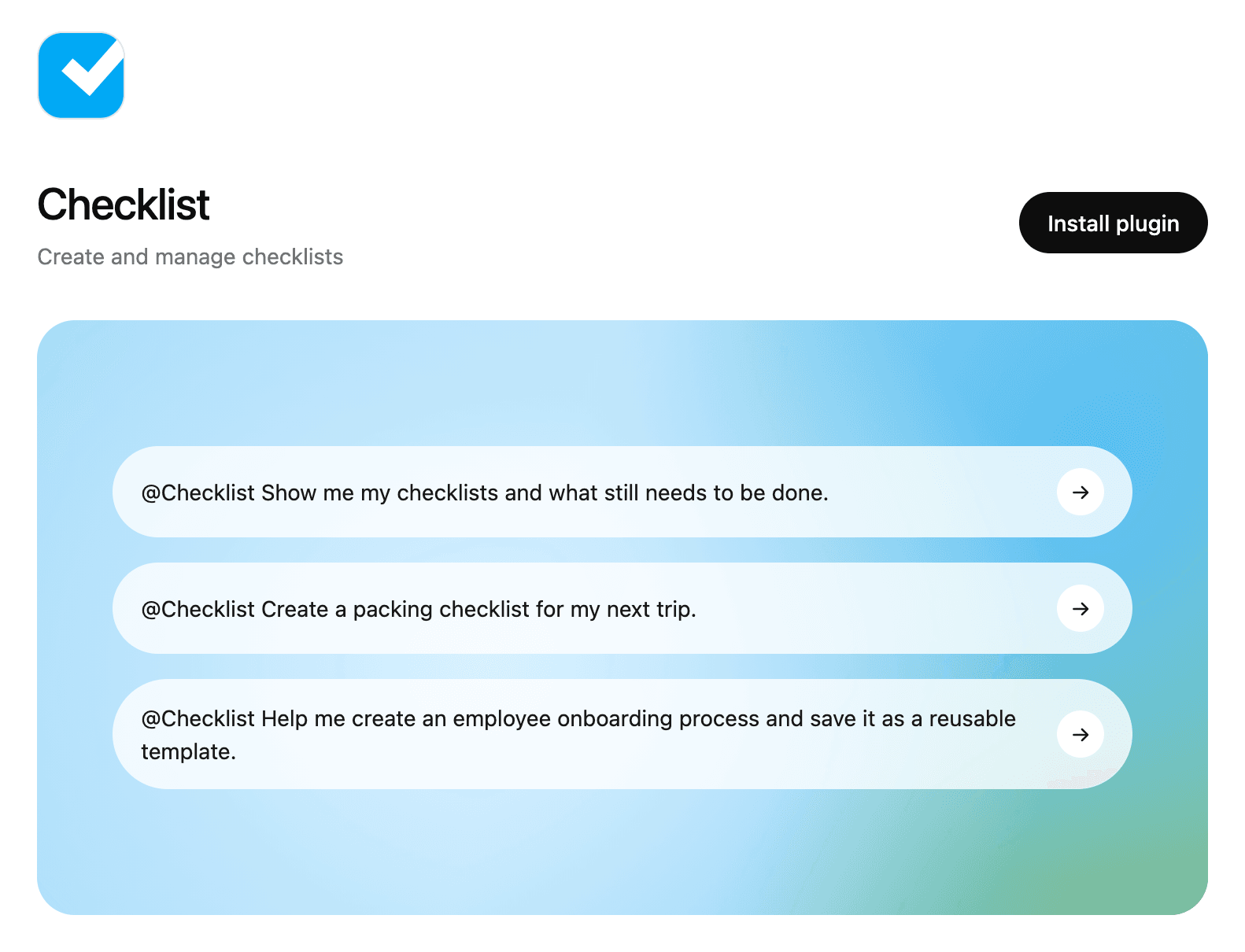
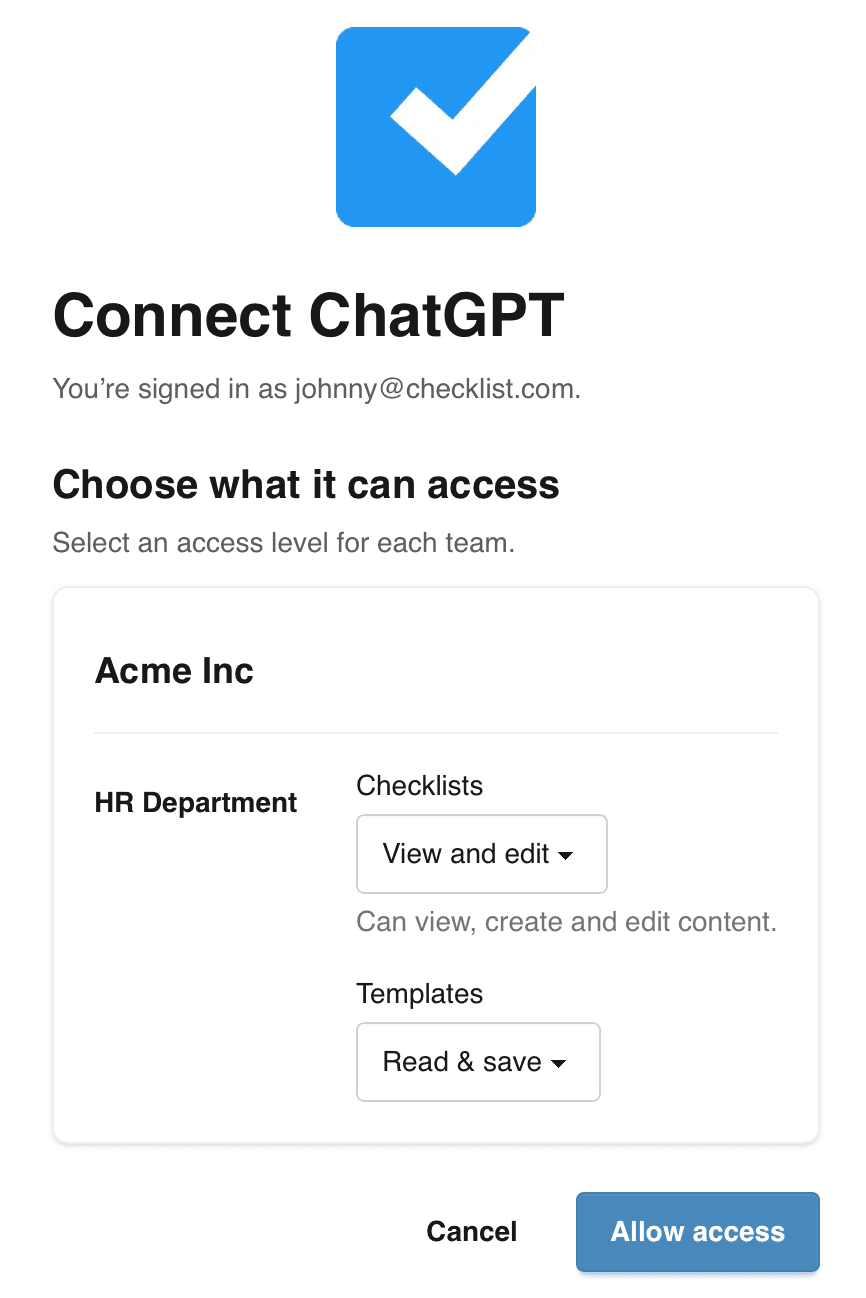
Sign in to Checklist and choose the teams and access you want to connect.
Select Checklist in ChatGPT or mention @Checklist, then ask naturally.
You
“@Checklist help me create a checklist for moving house.”
Checklist
Moving checklist created
18 tasks saved to Checklist
“Help me create a checklist for a one-week trip to Japan.”
“Help me build a checklist for moving to a new apartment.”
“Build an employee onboarding process with me.”
“Create a checklist for launching our new website.”
“Help me create a checklist for moving house.”
“Plan a one-week trip to Japan and save the final packing list.”
“Build an employee onboarding process with me.”
“Show me what’s incomplete on my Website Launch checklist.”
“Add these tasks to my Grocery checklist.”
“Review my onboarding template and suggest improvements.”
Use ChatGPT to think through the work, then save and manage it in Checklist.
Use Checklist in ChatGPT